
Resume Templates
Free Resume Templates Built for the ATS
Choose from 42 professionally designed resume templates for every industry and career stage. Every design is ATS-friendly, free to use, and opens straight in the ResumePly builder.
No credit card needed. Switch templates anytime.
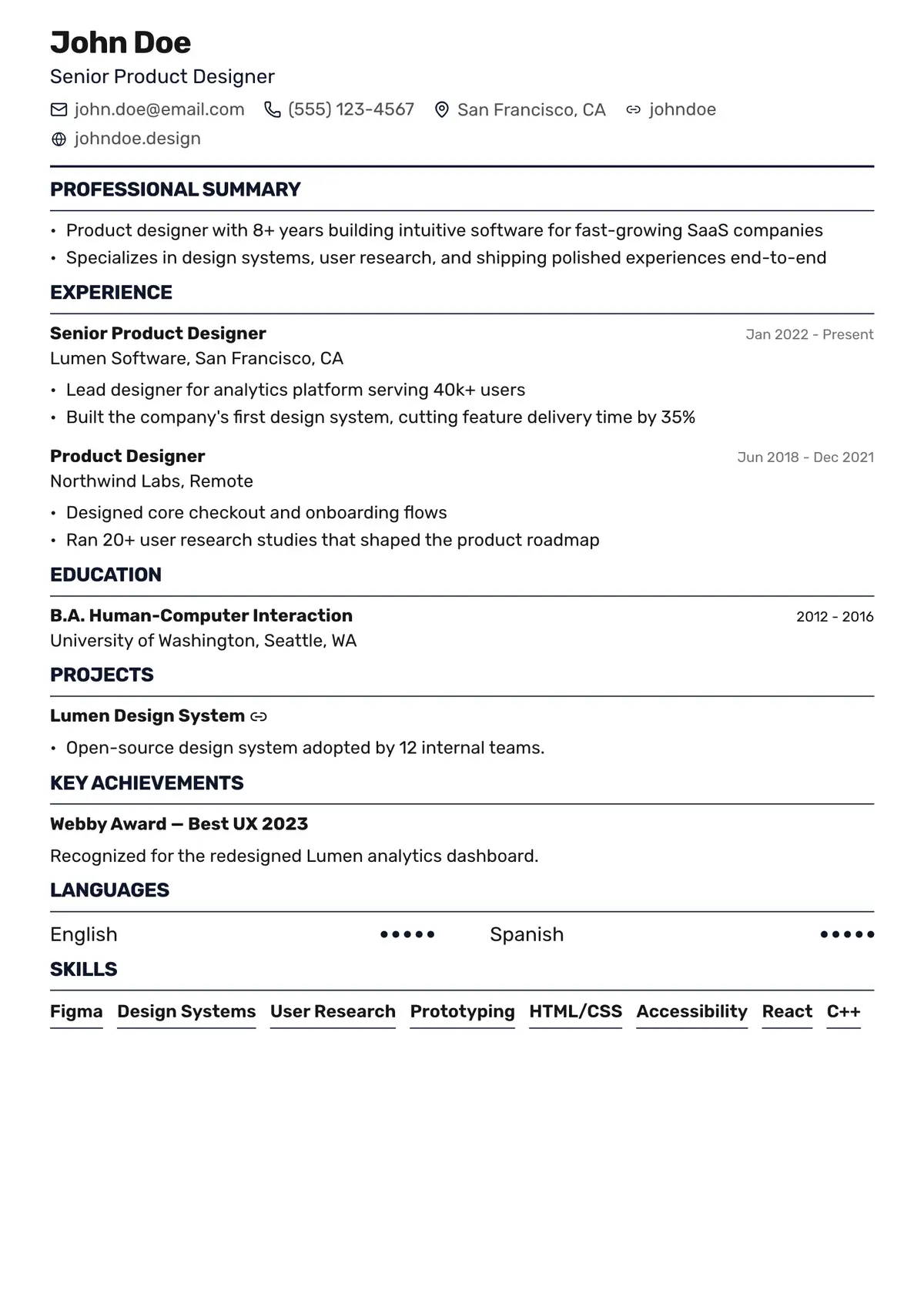
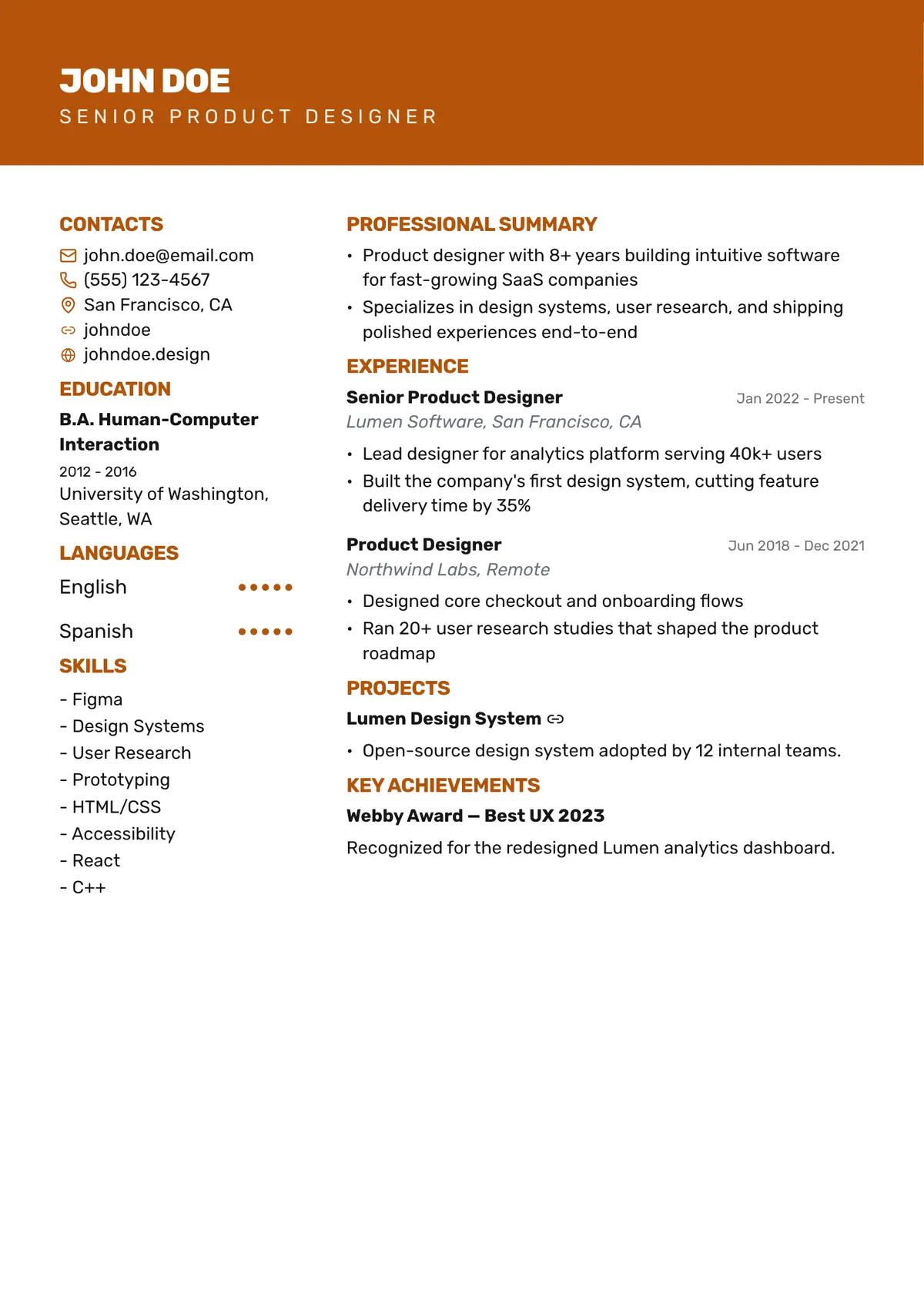
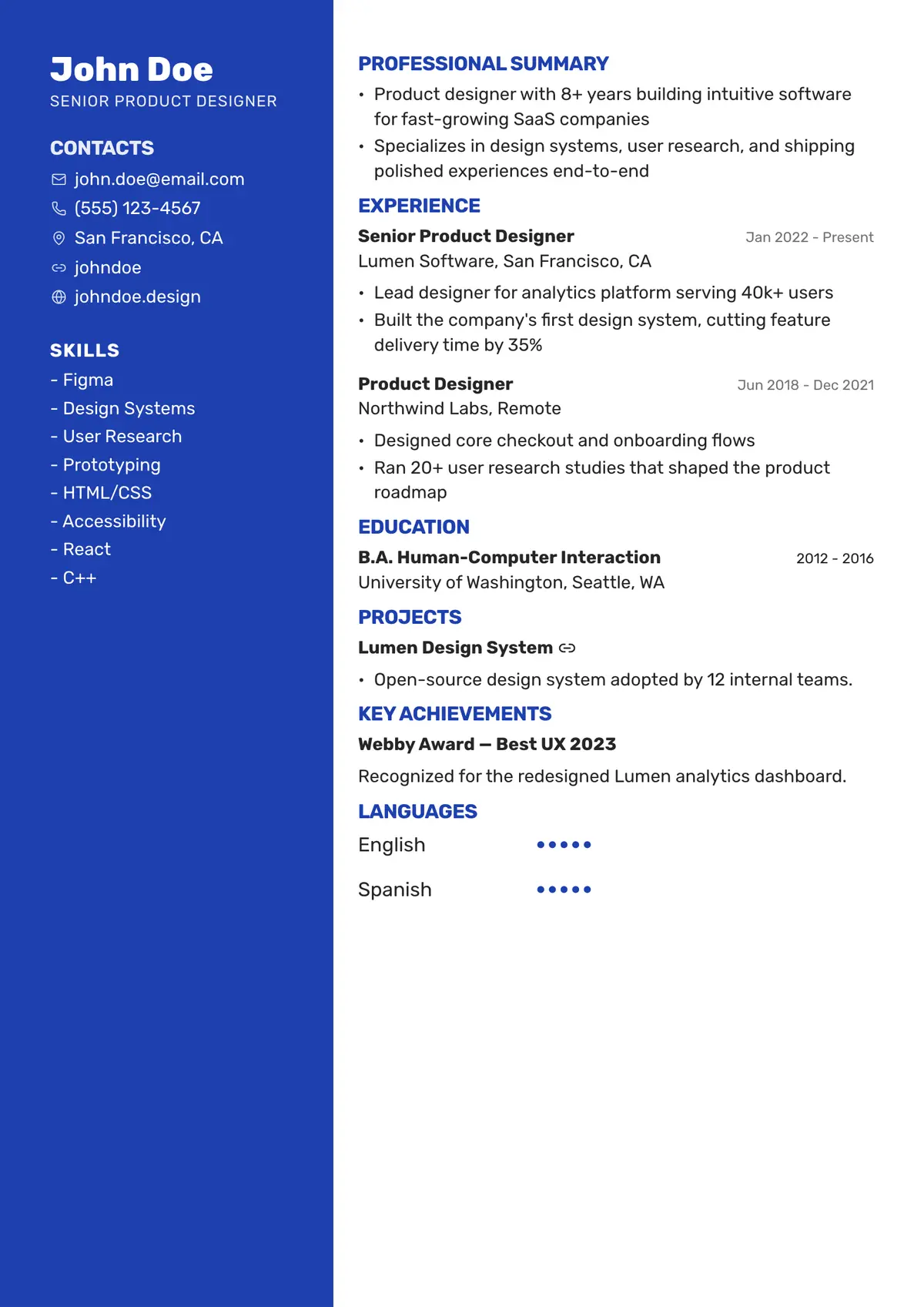
- 5 Star Rating
- FREE
- 42 Templates
- ATS-Friendly
- Switch Anytime
Resume Templates
What Is a Resume Template?
A resume template is a ready-made layout that handles fonts, spacing and section order for you, so you can focus on your experience instead of formatting. ResumePly templates are built to read cleanly in applicant tracking systems, and you can switch between them at any time without losing your content.
All Resume Templates
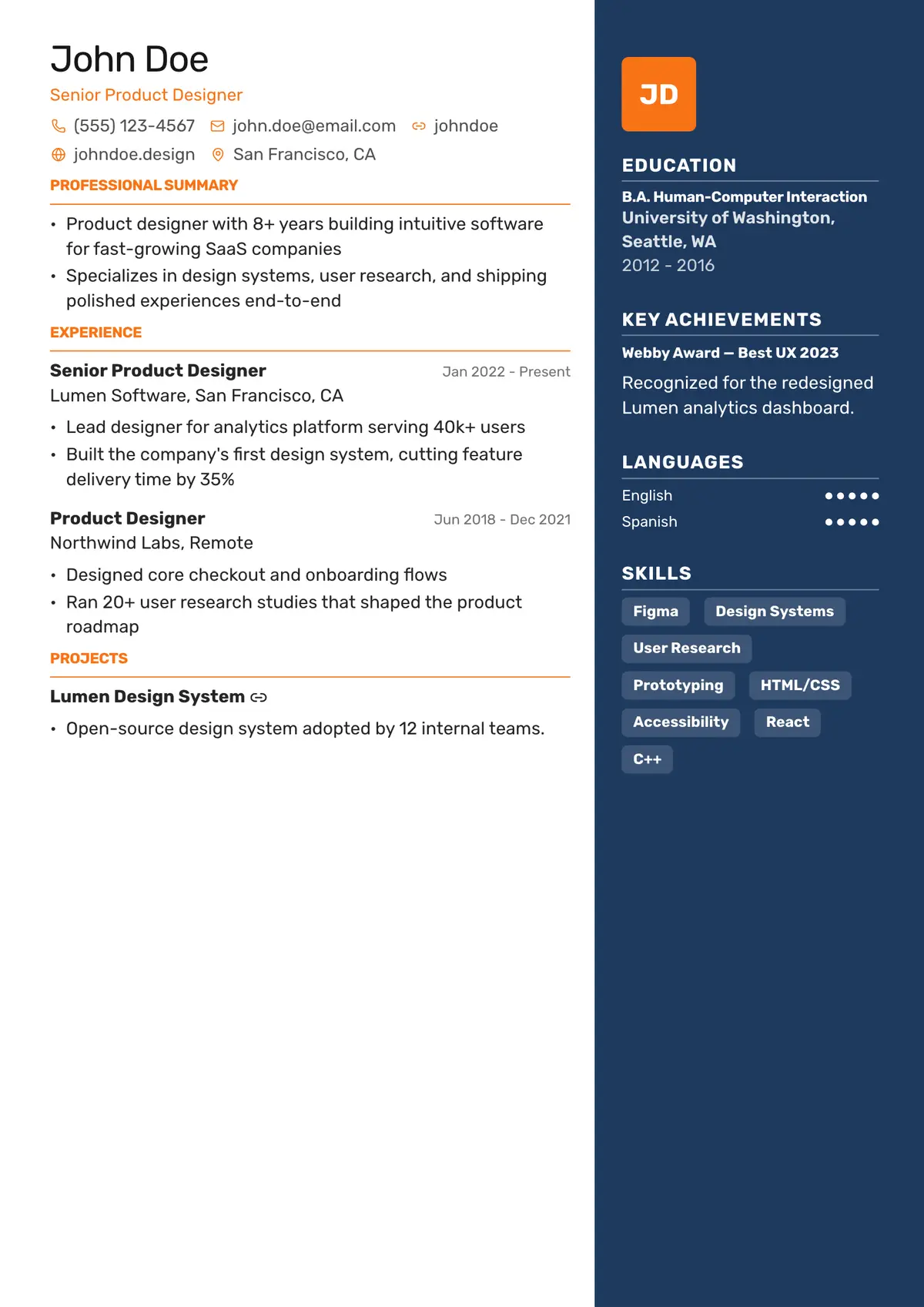
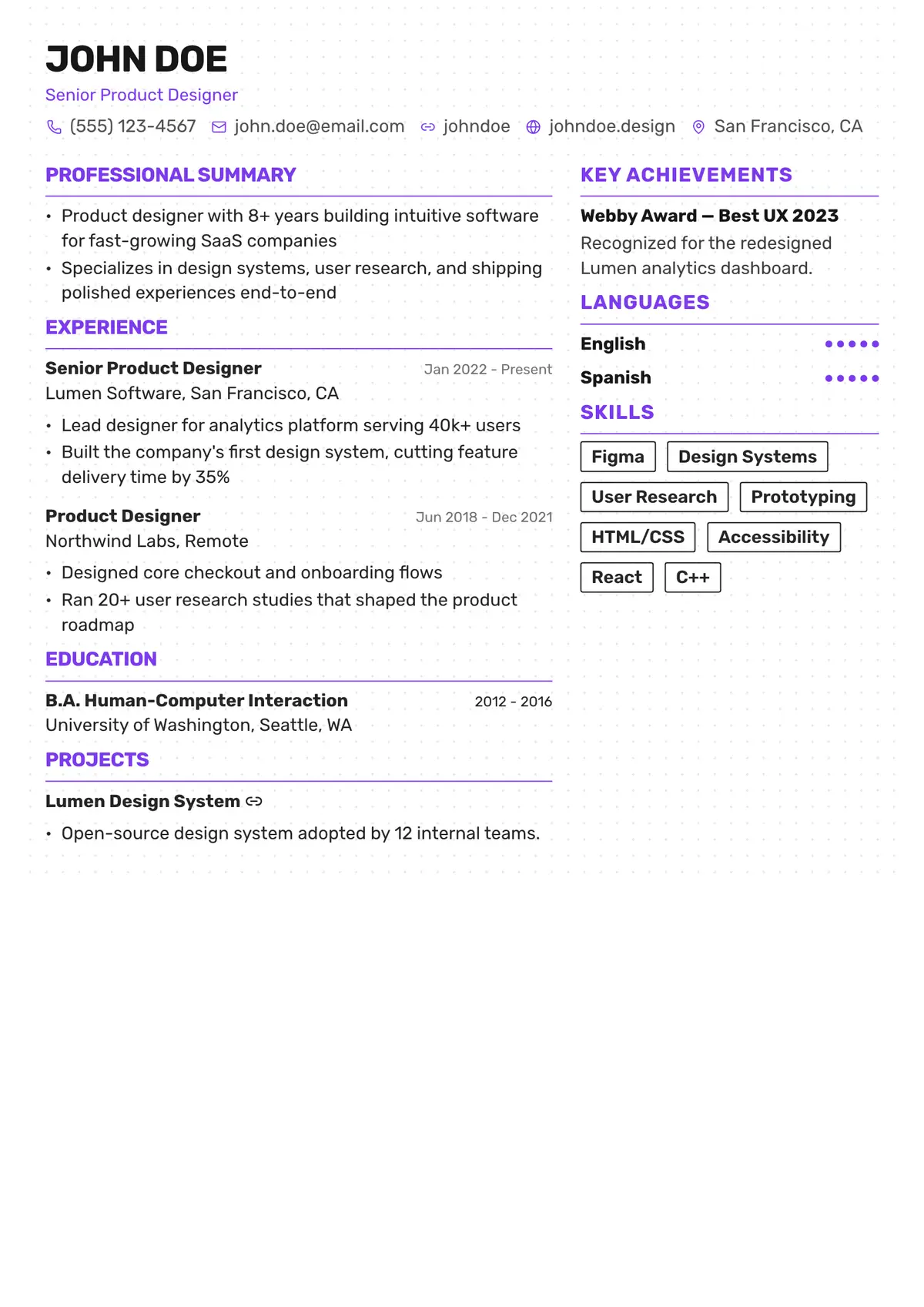
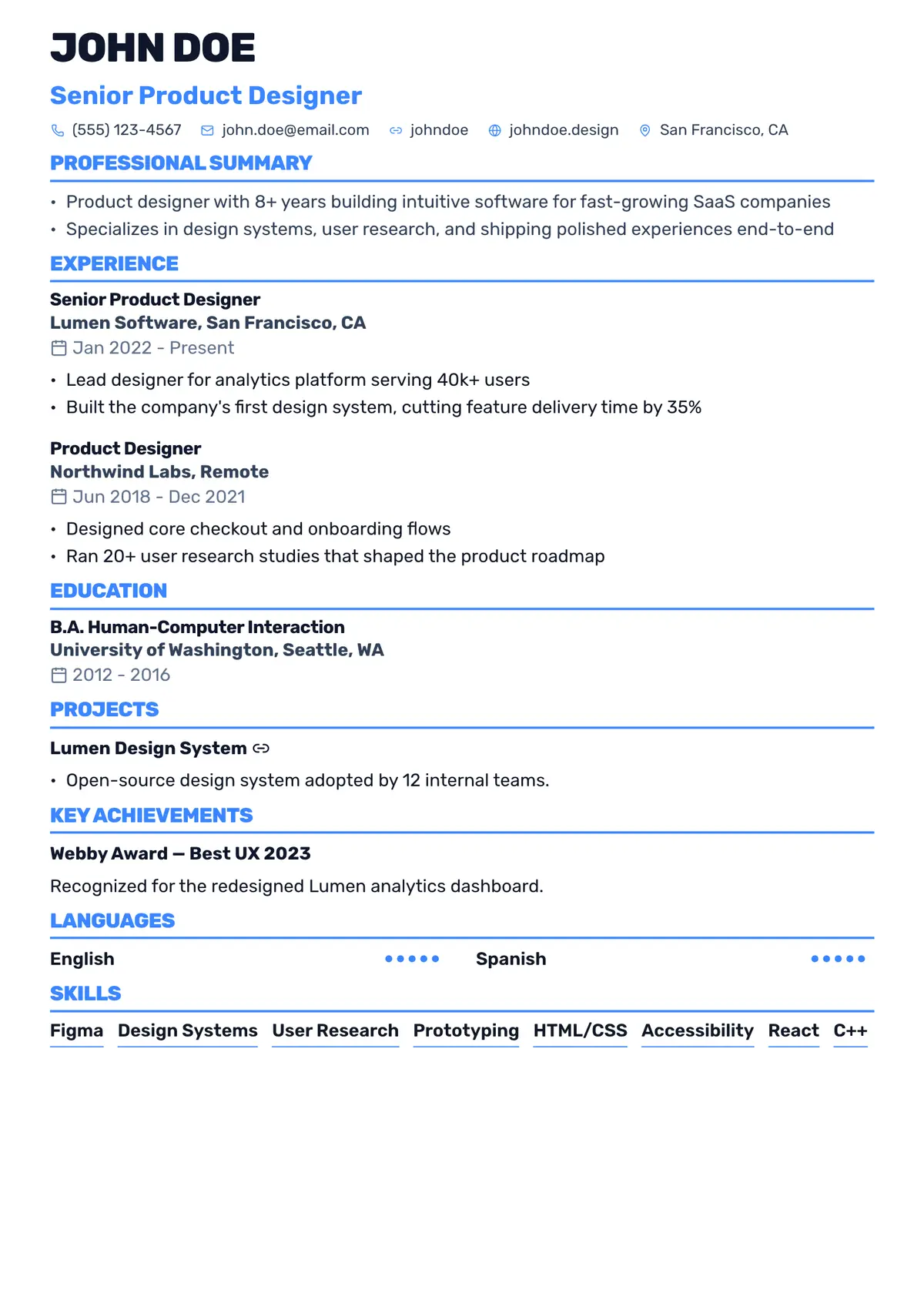
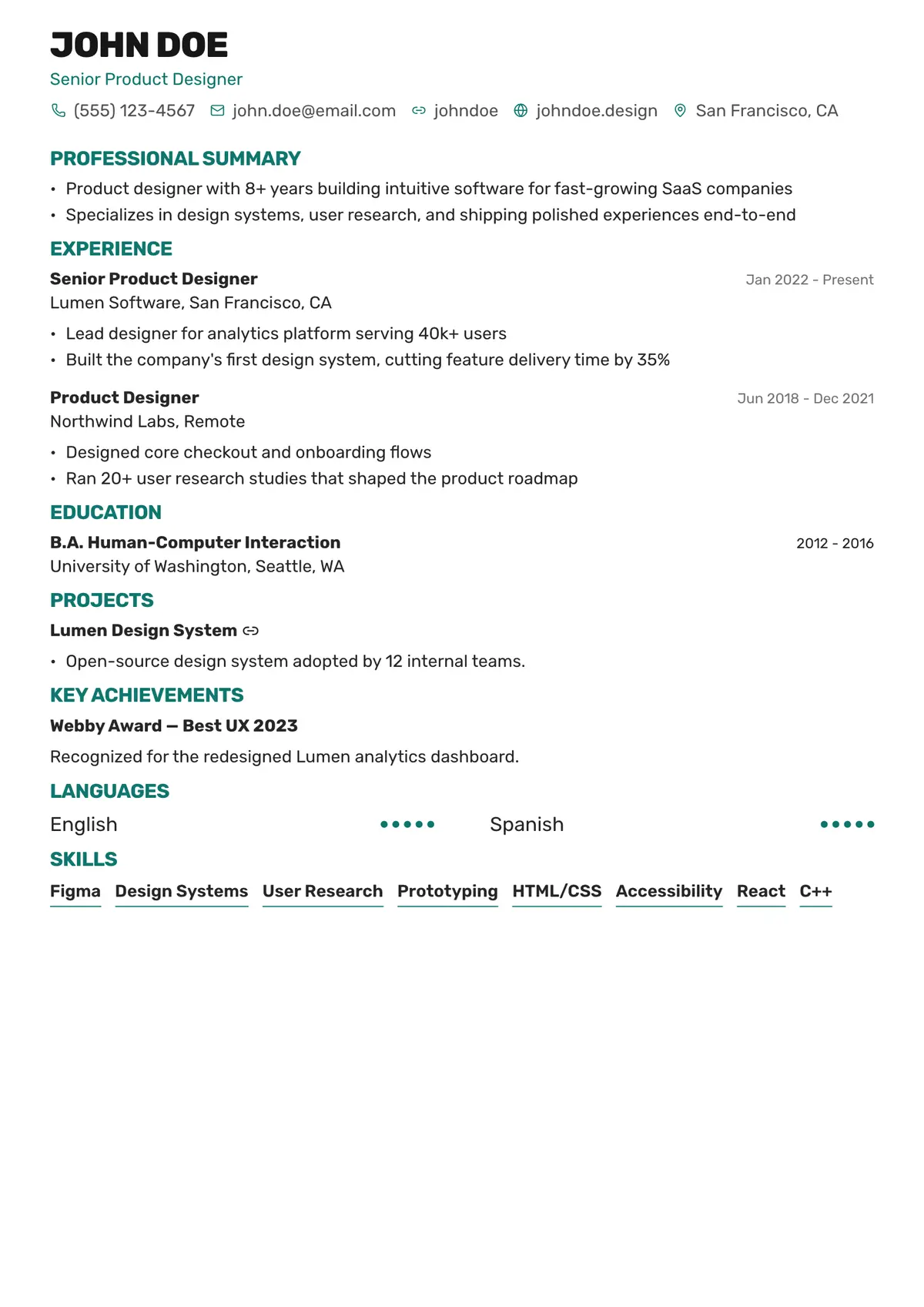
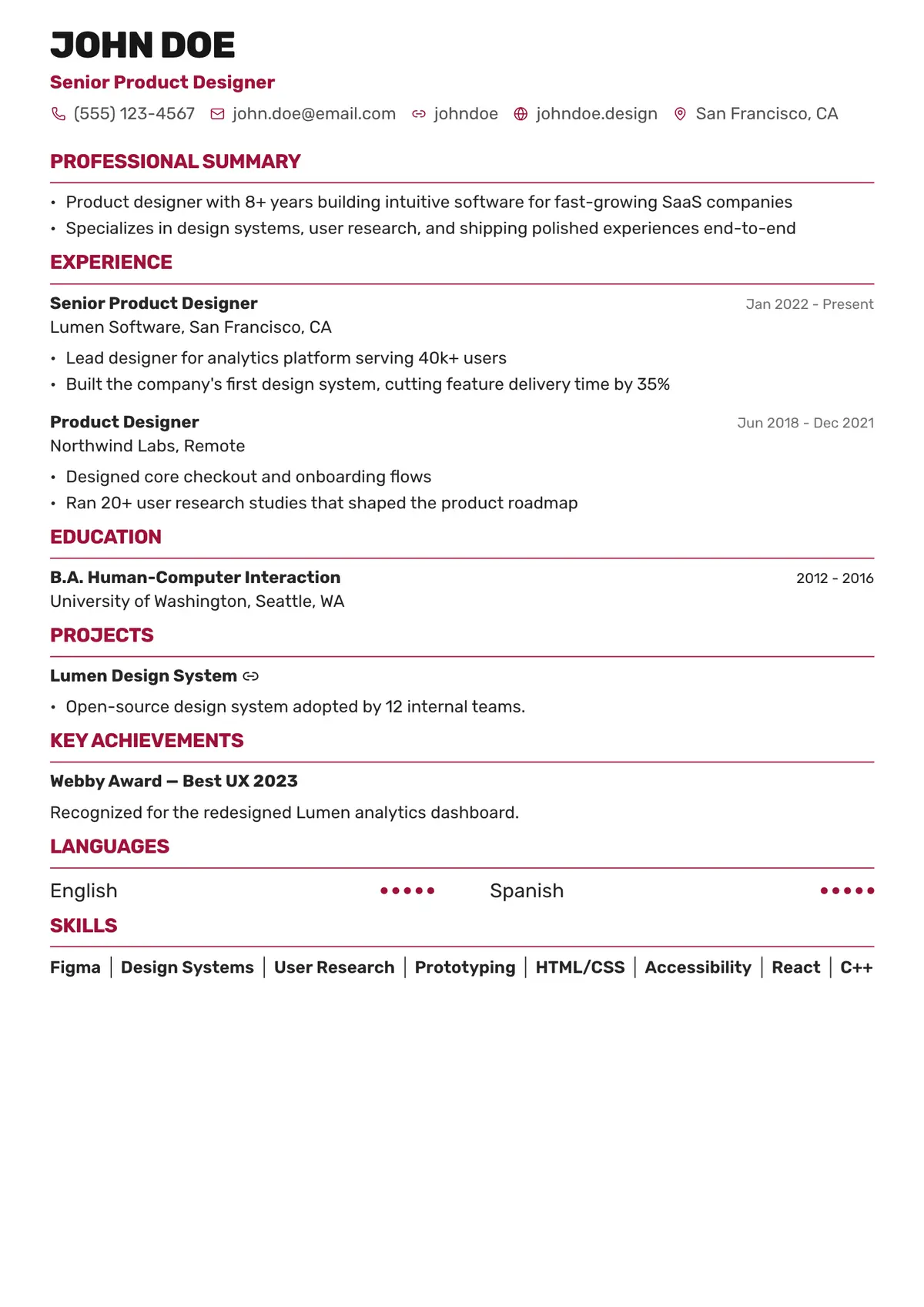
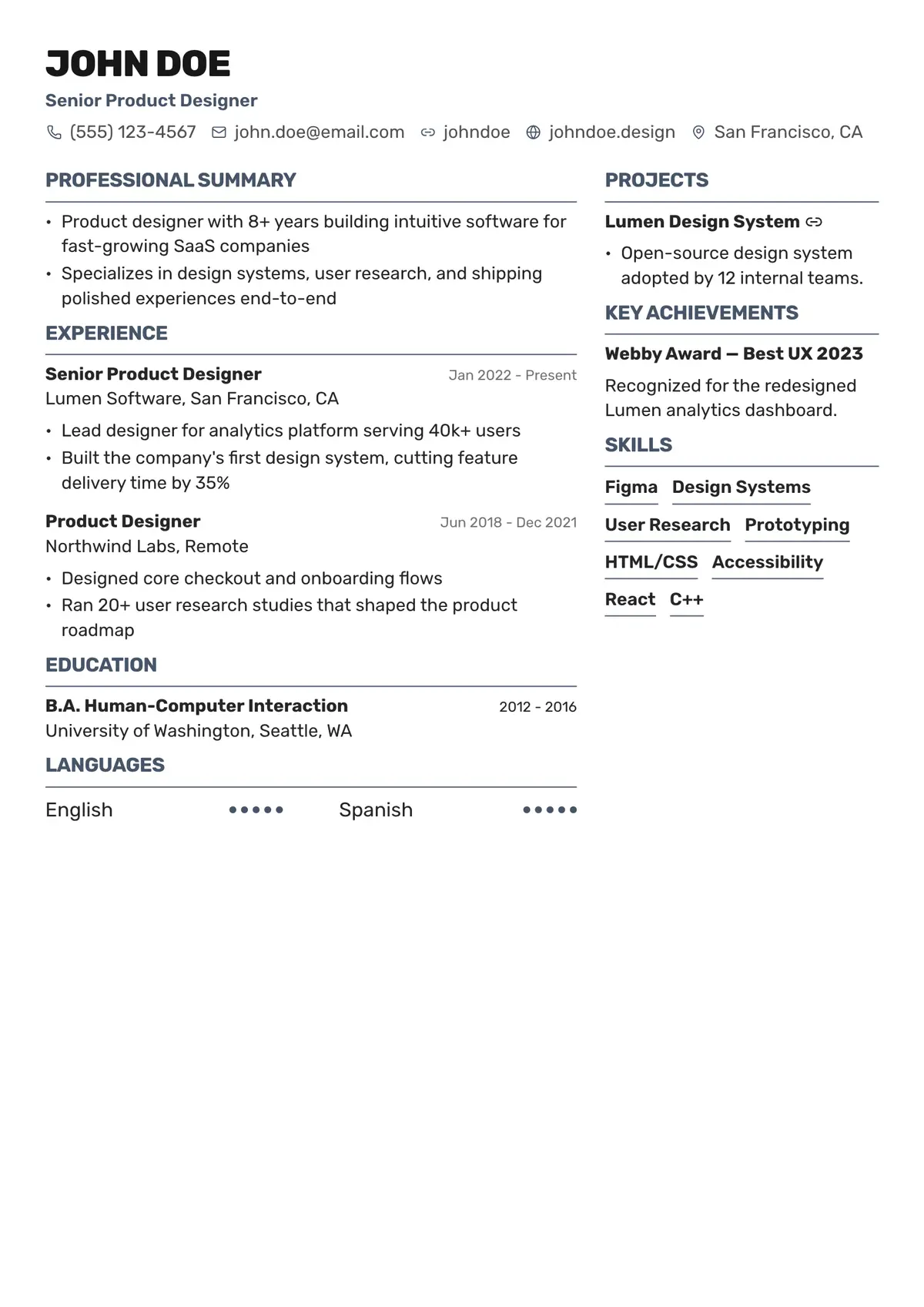
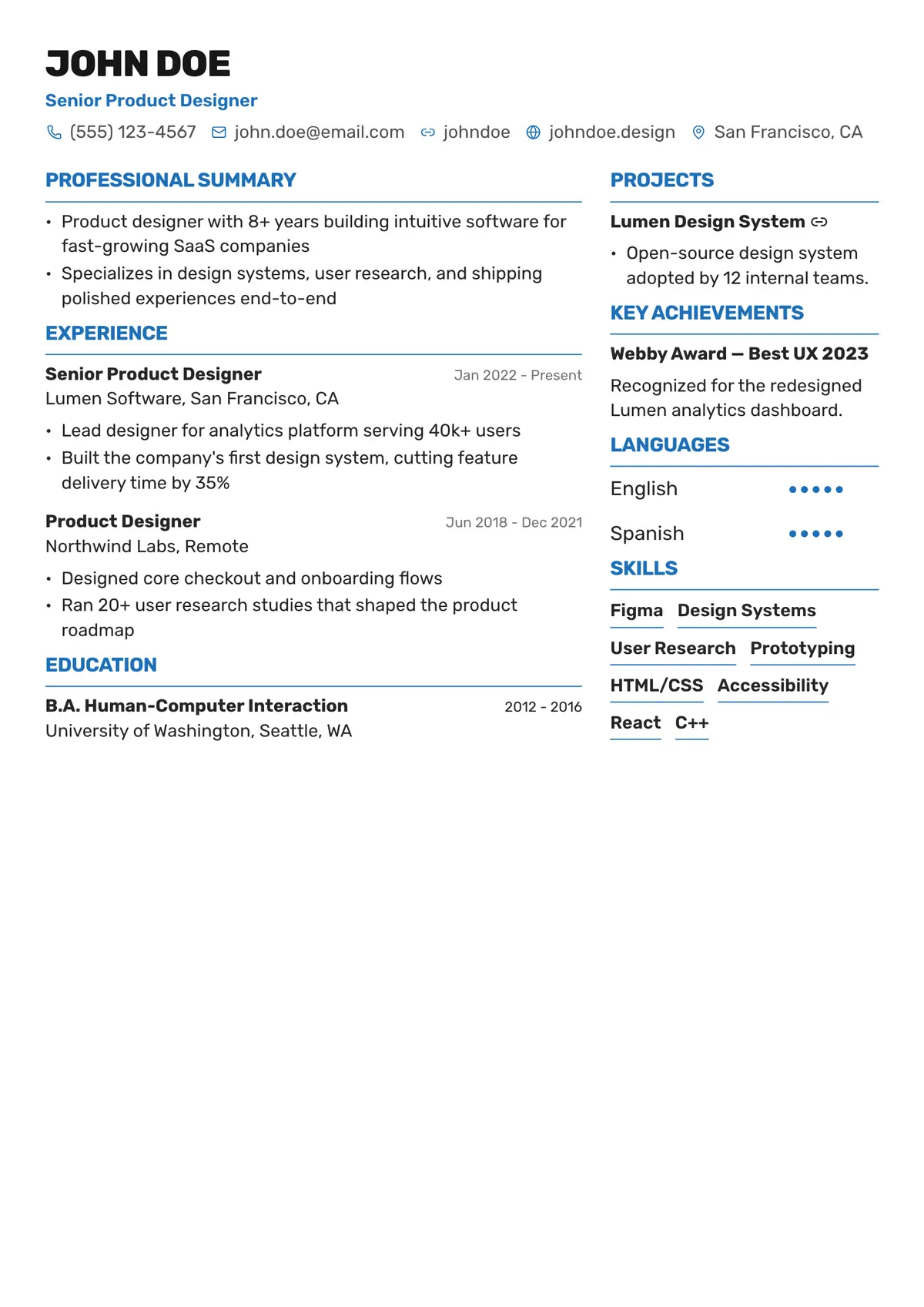
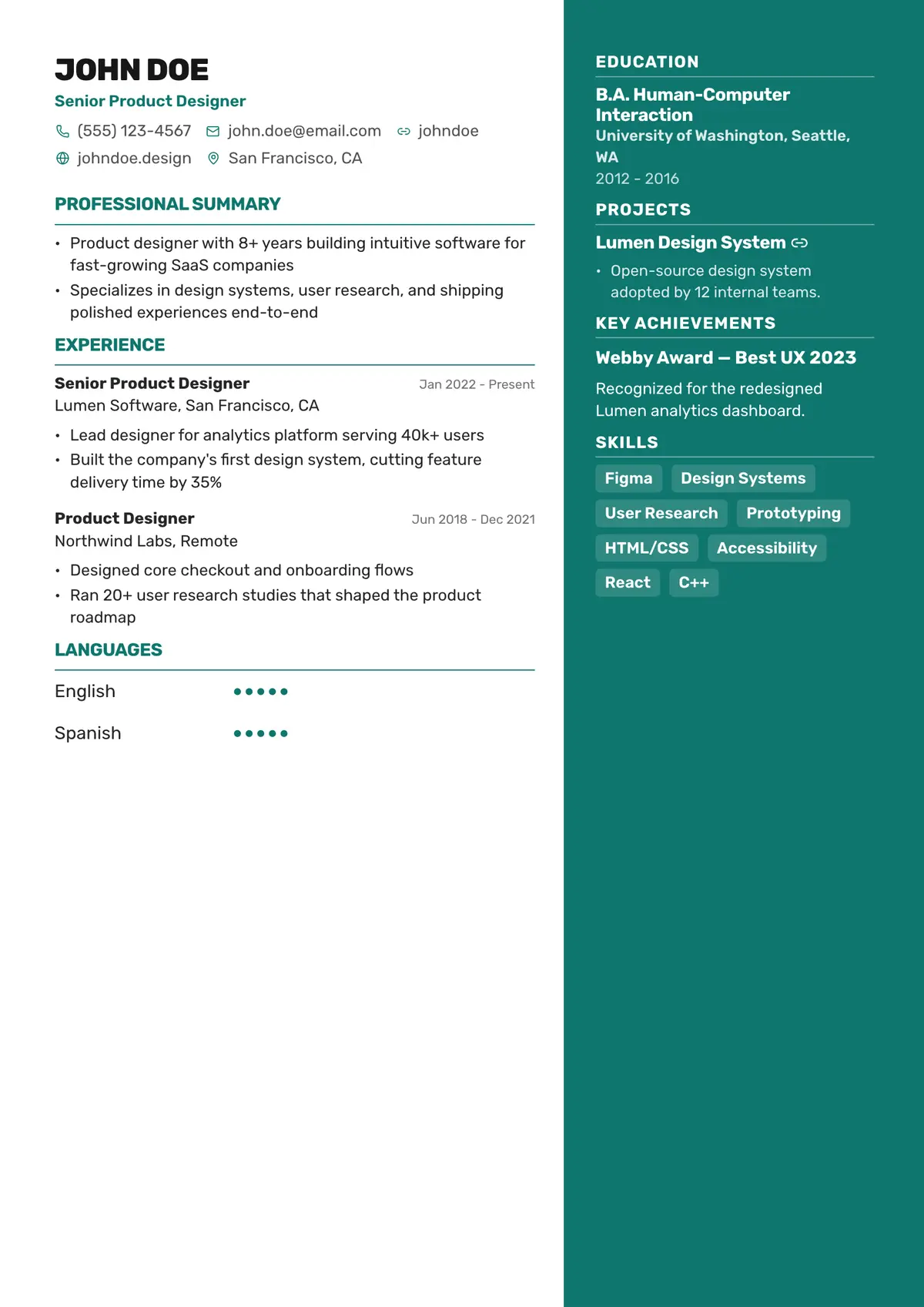
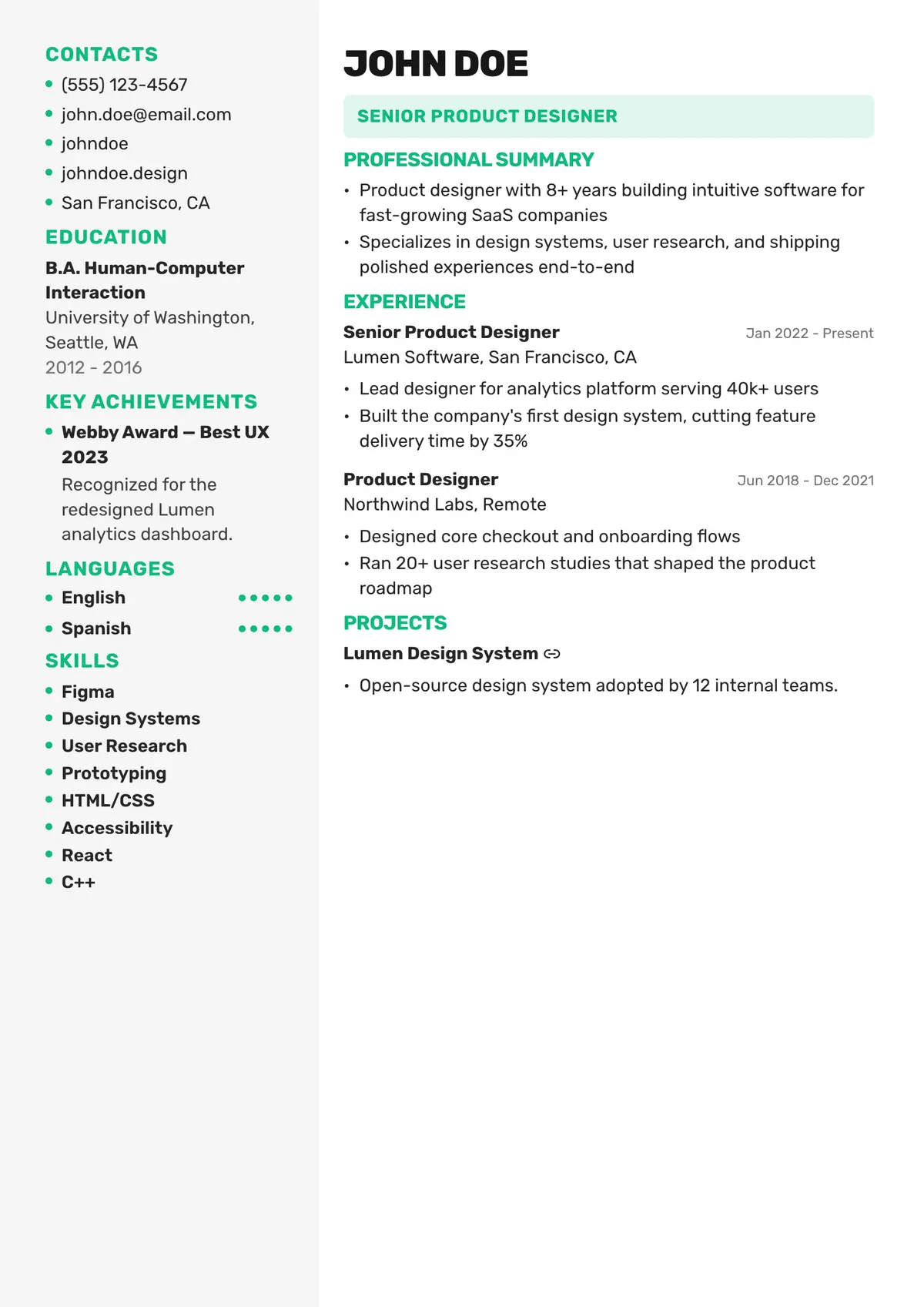
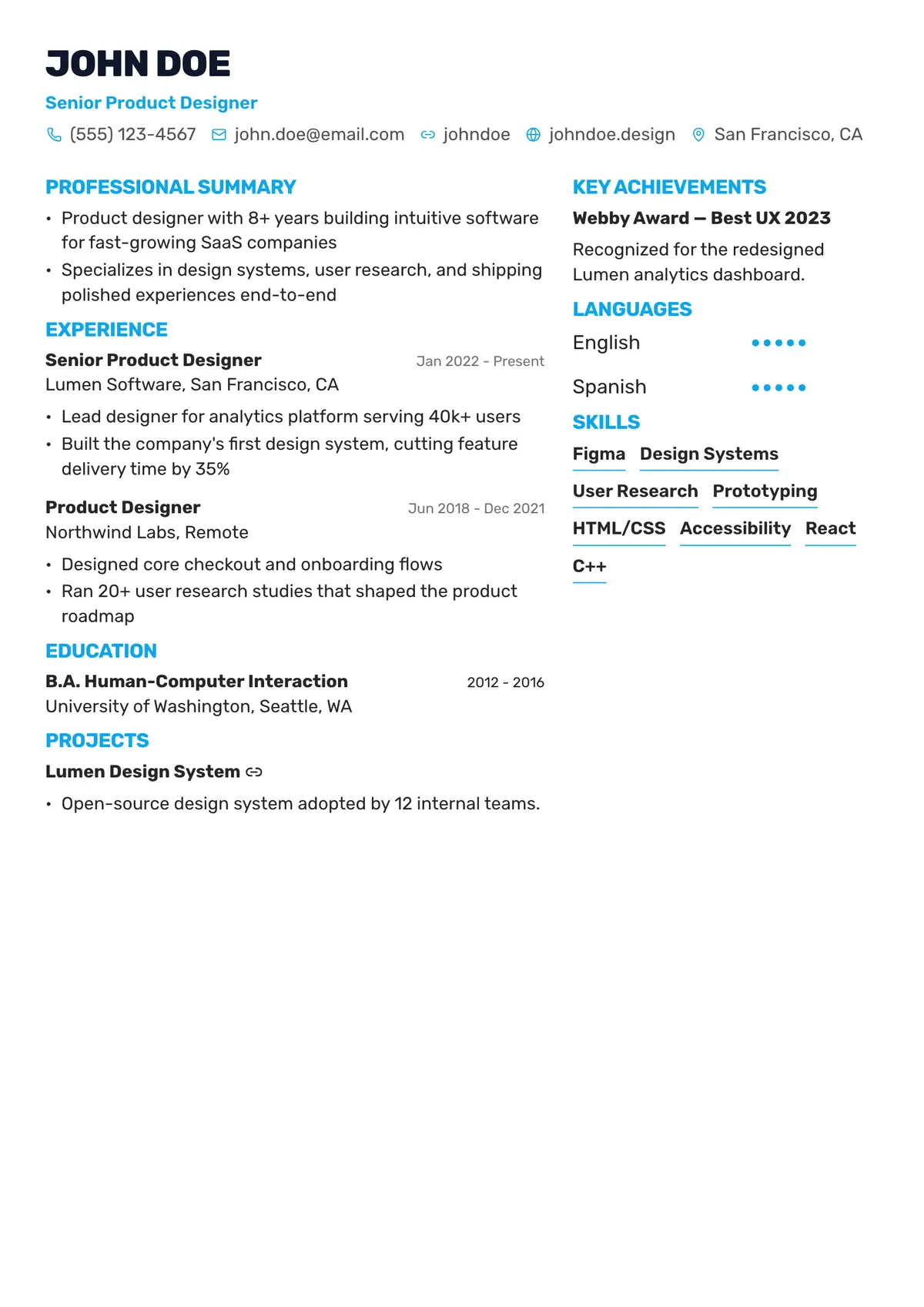
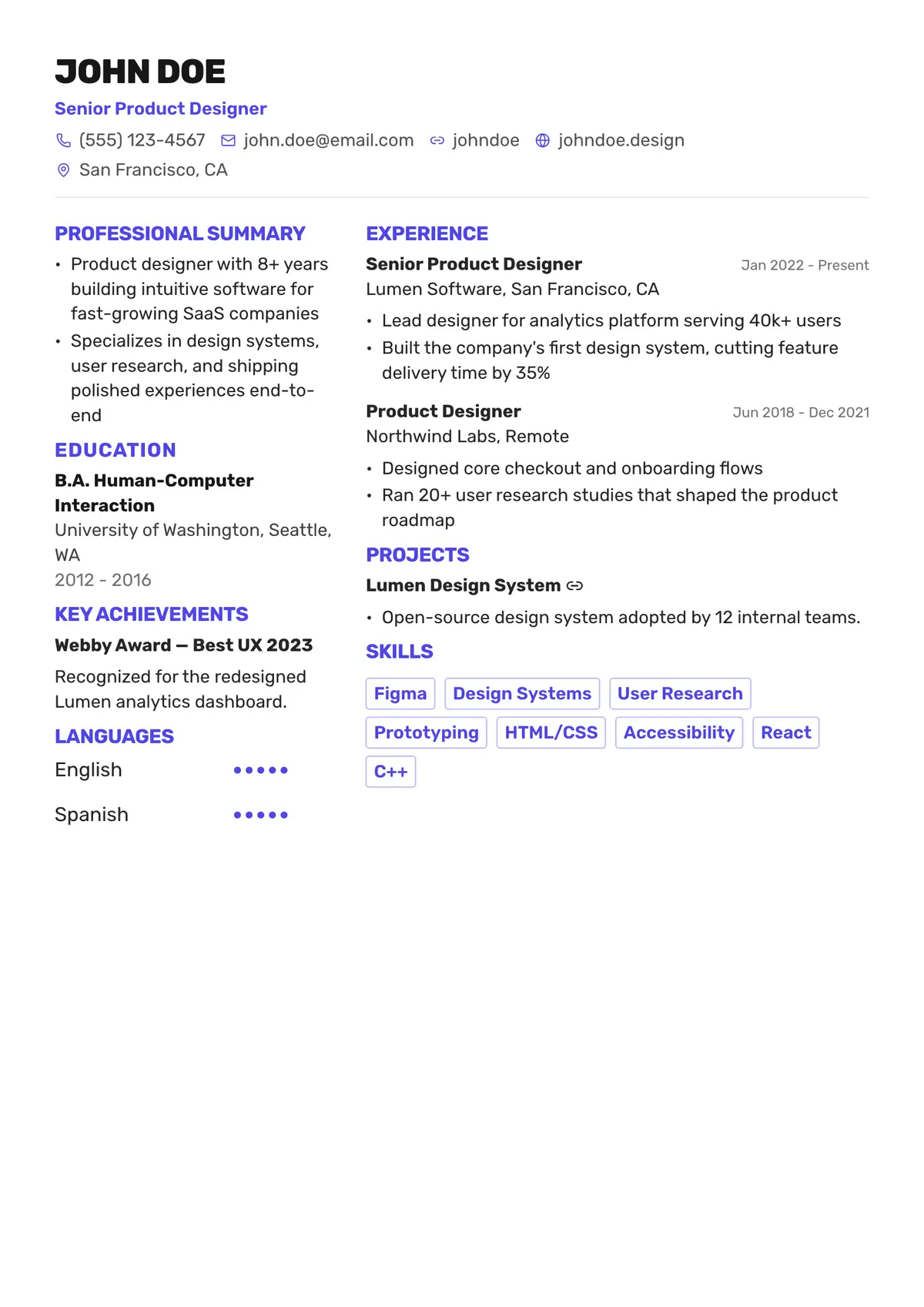
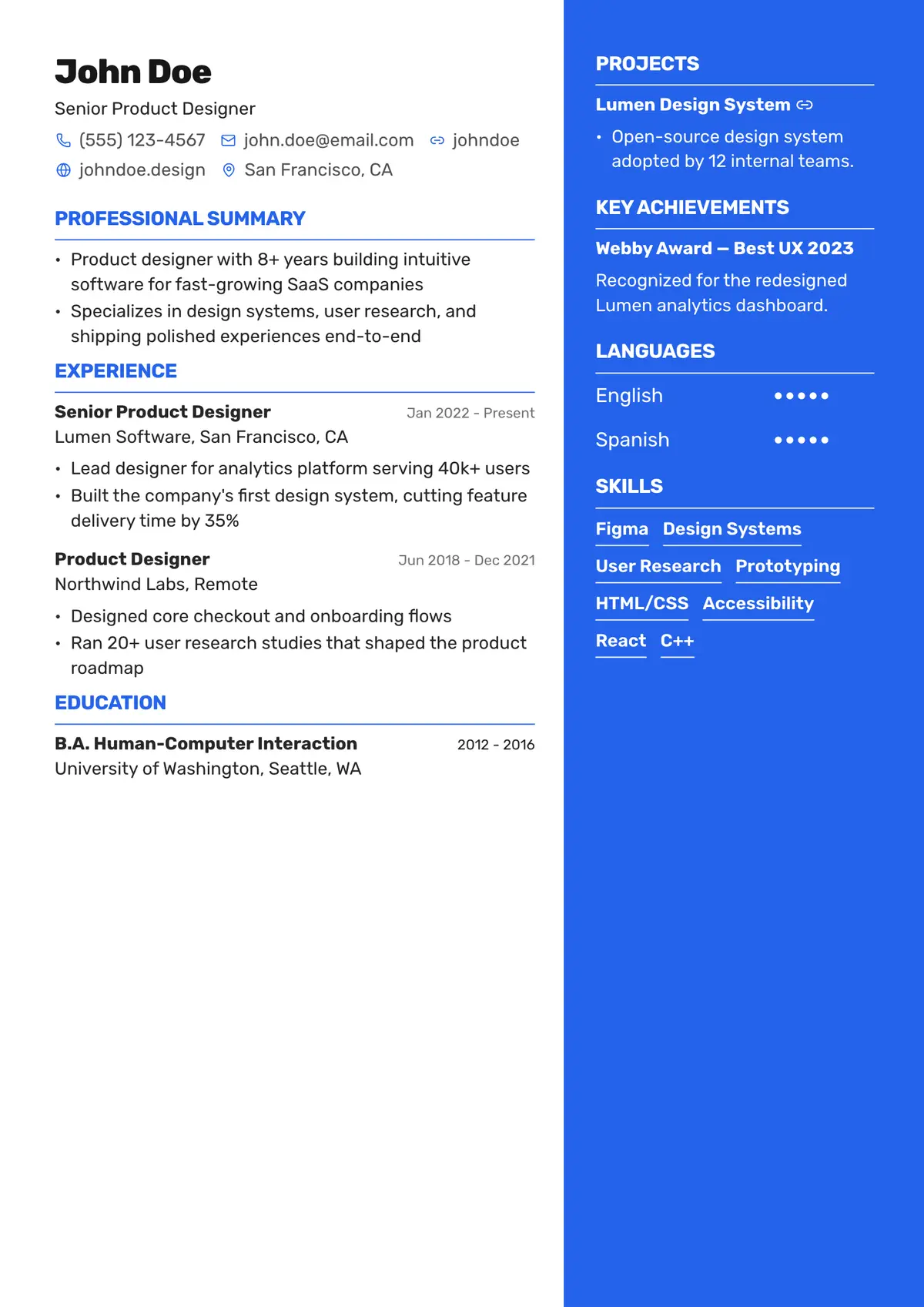
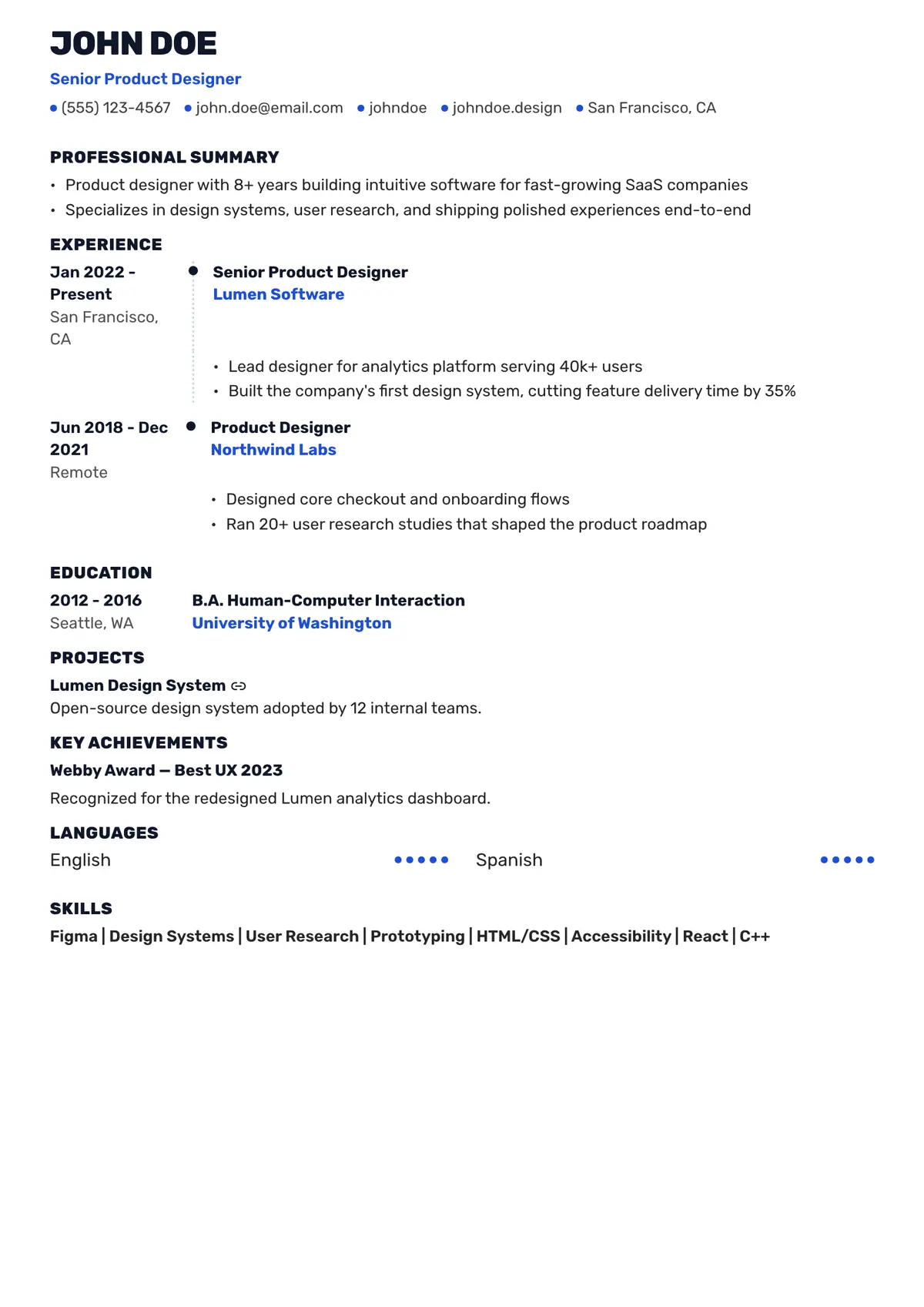
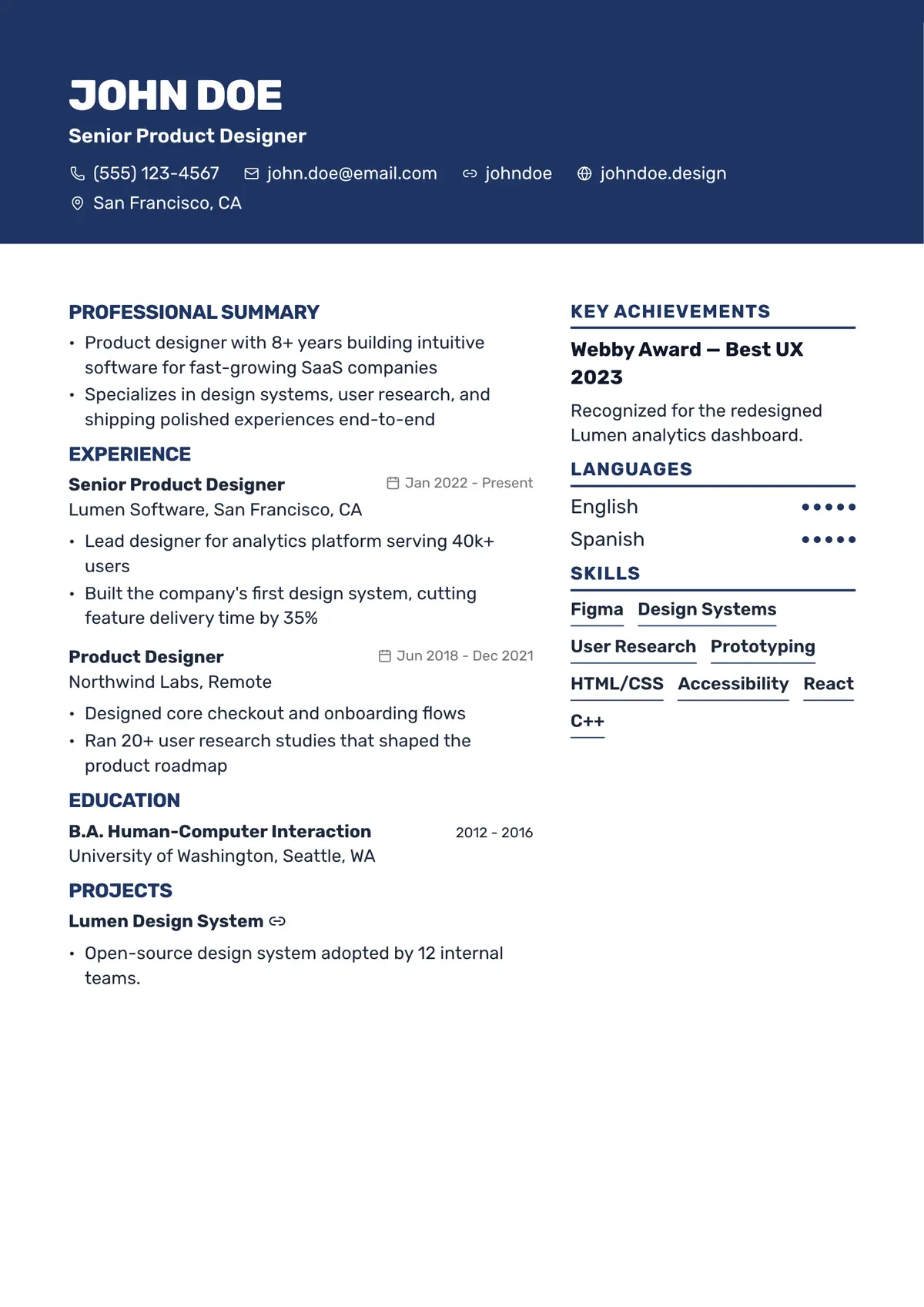
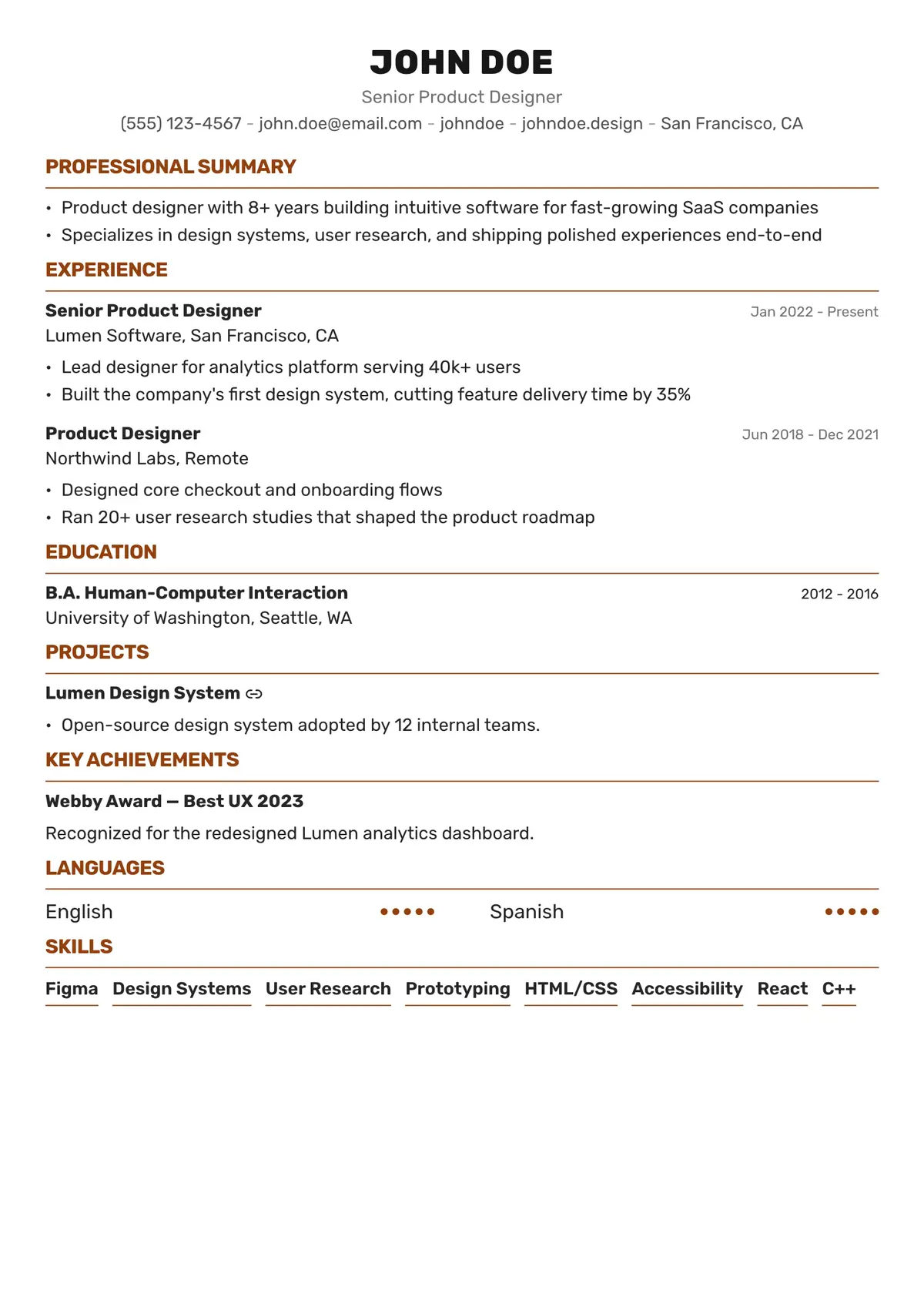
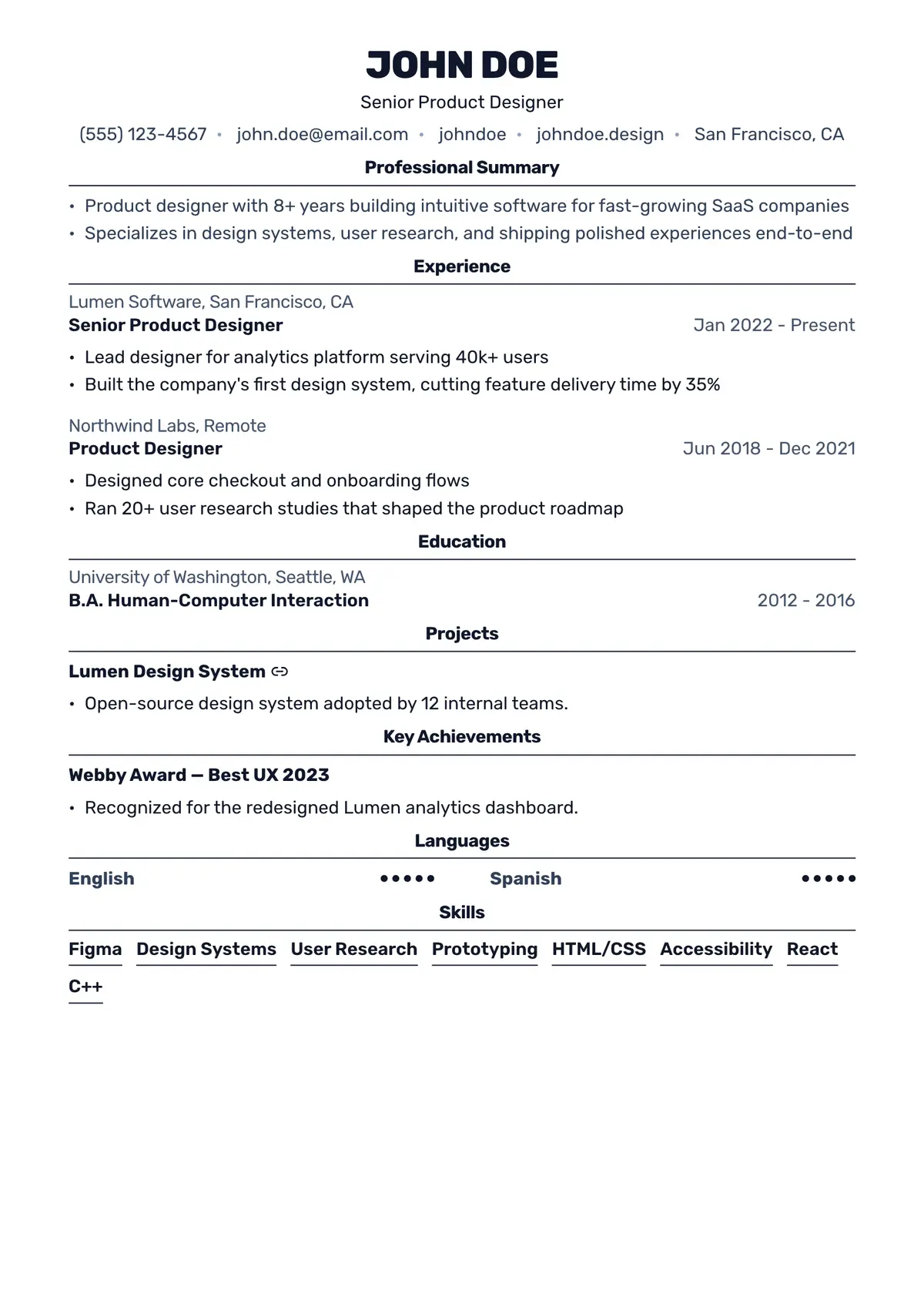
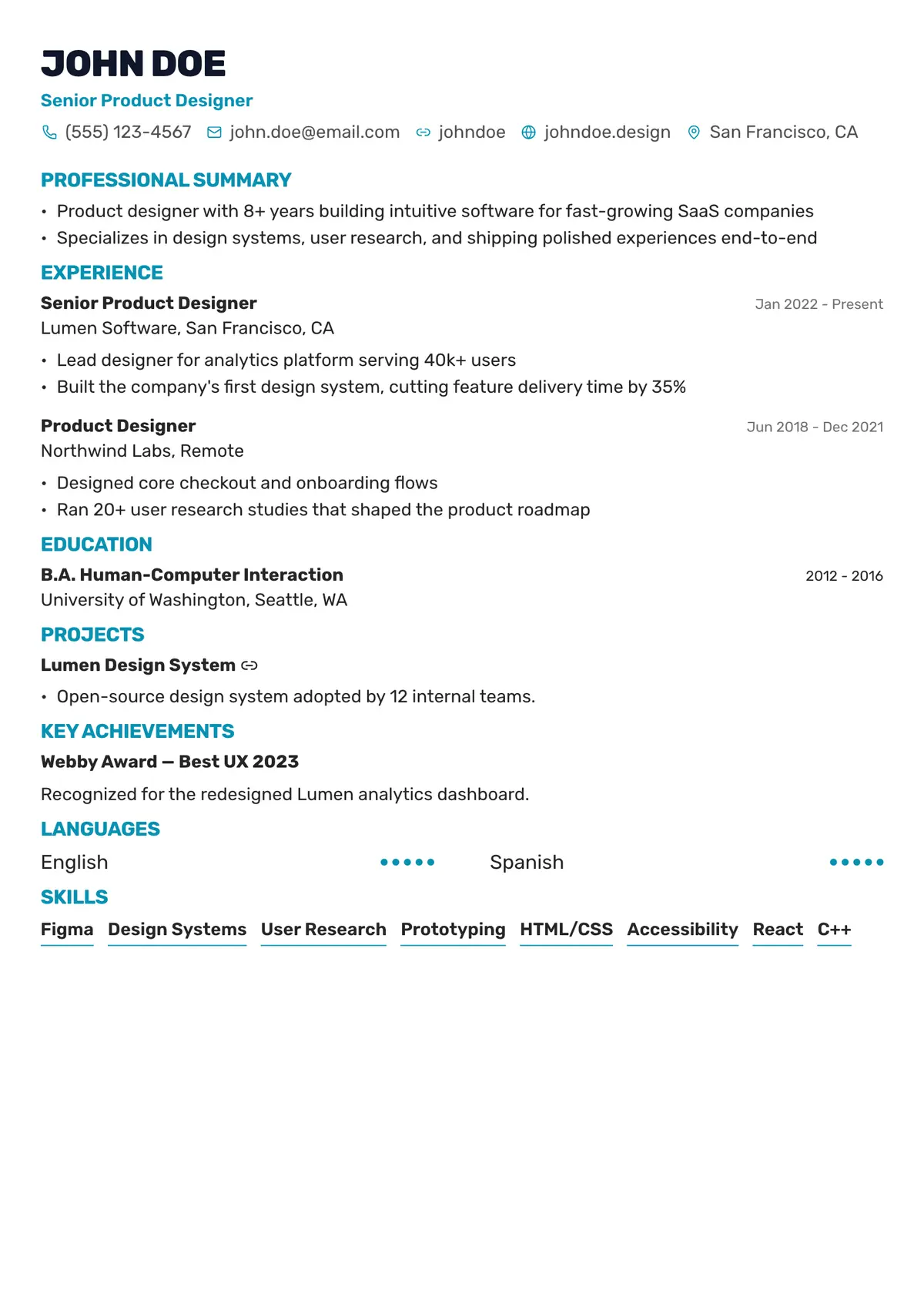
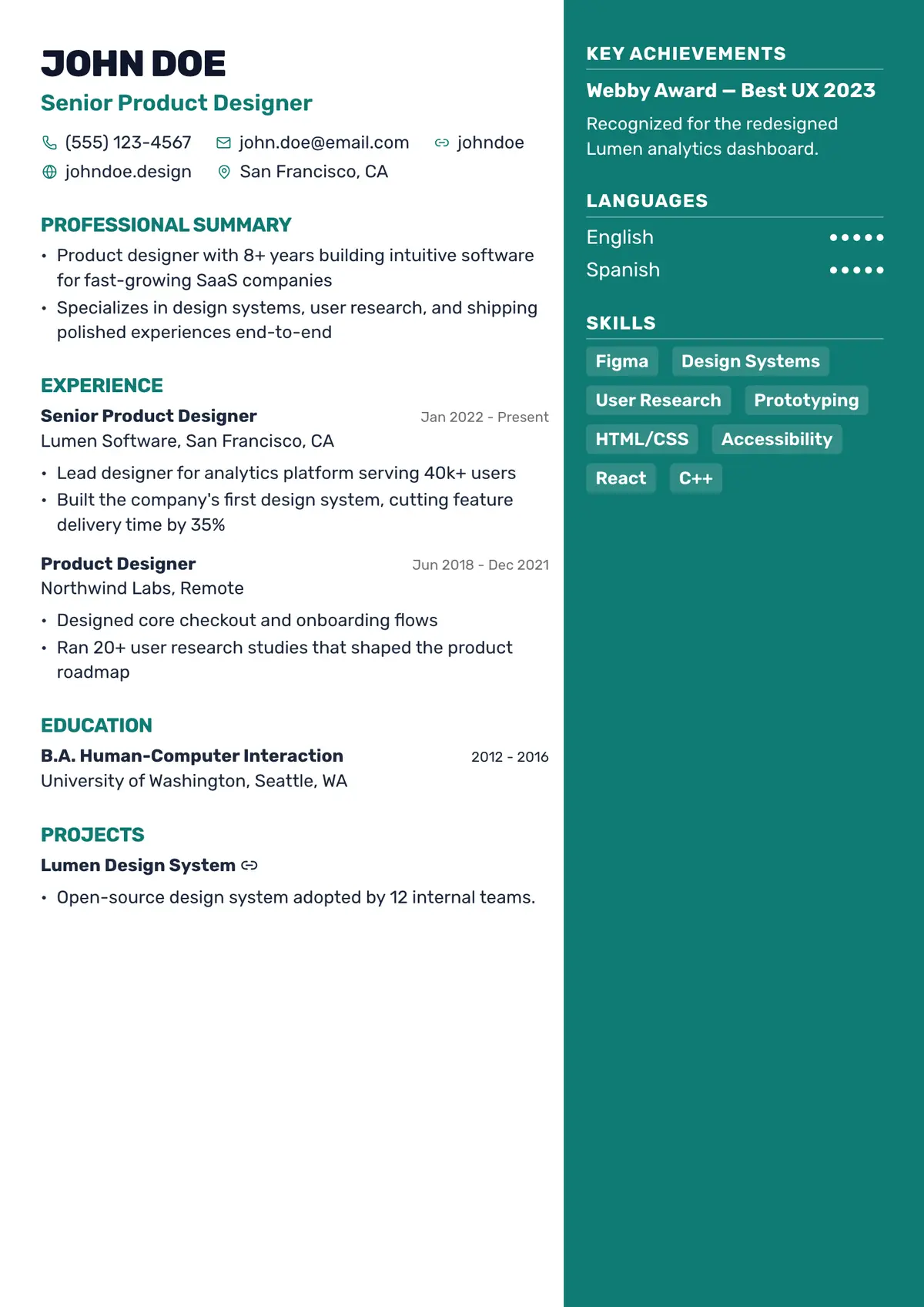
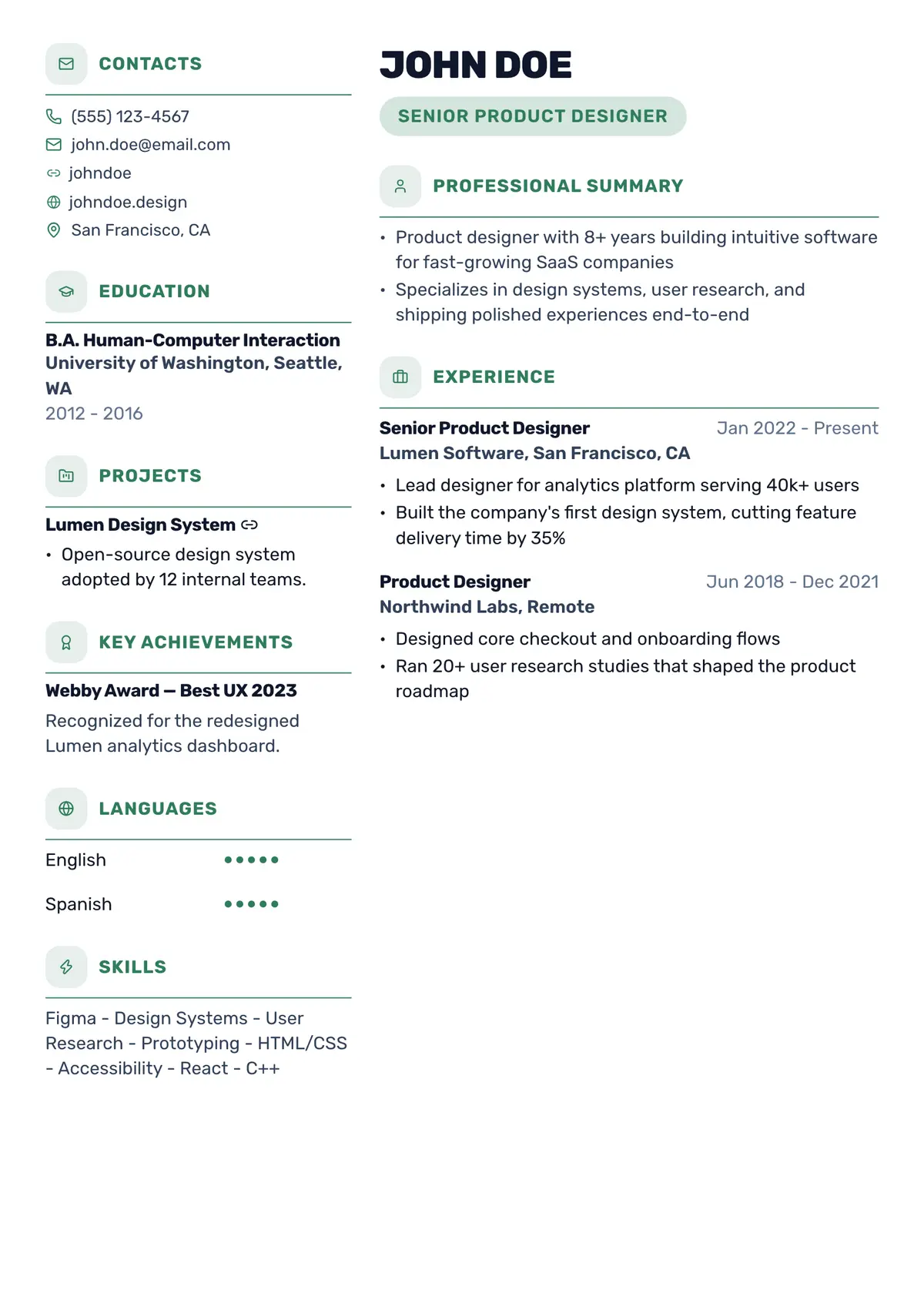
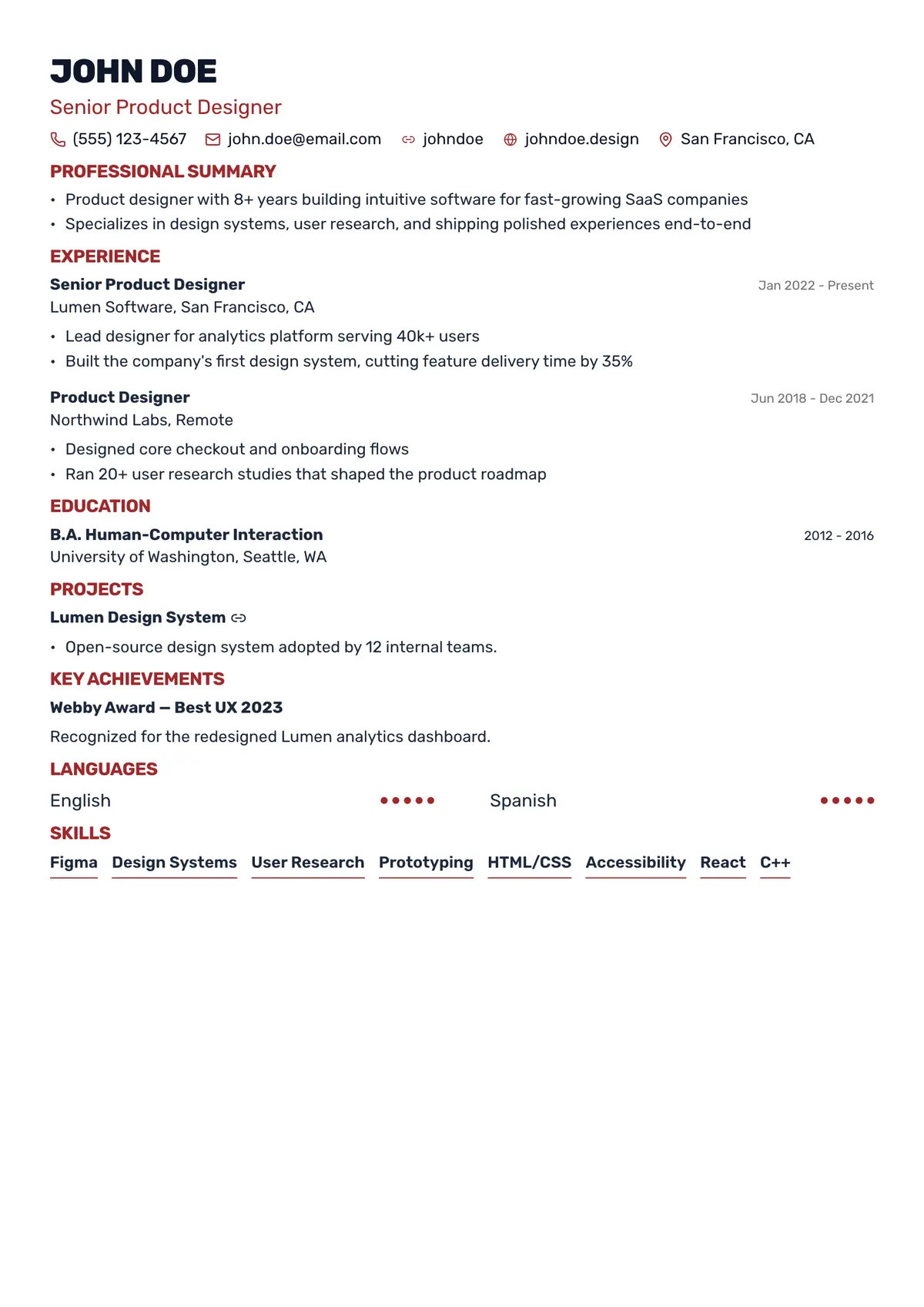
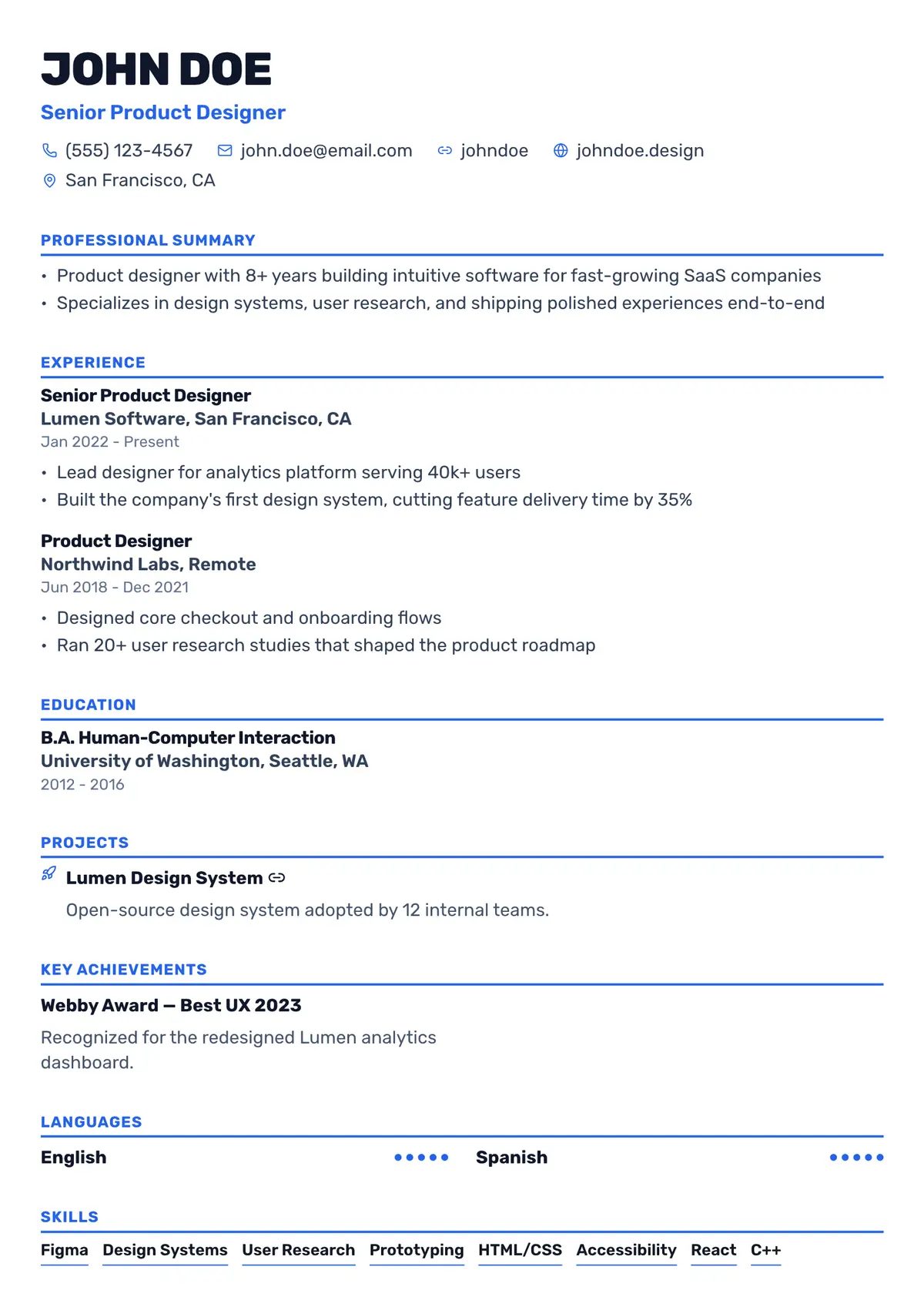
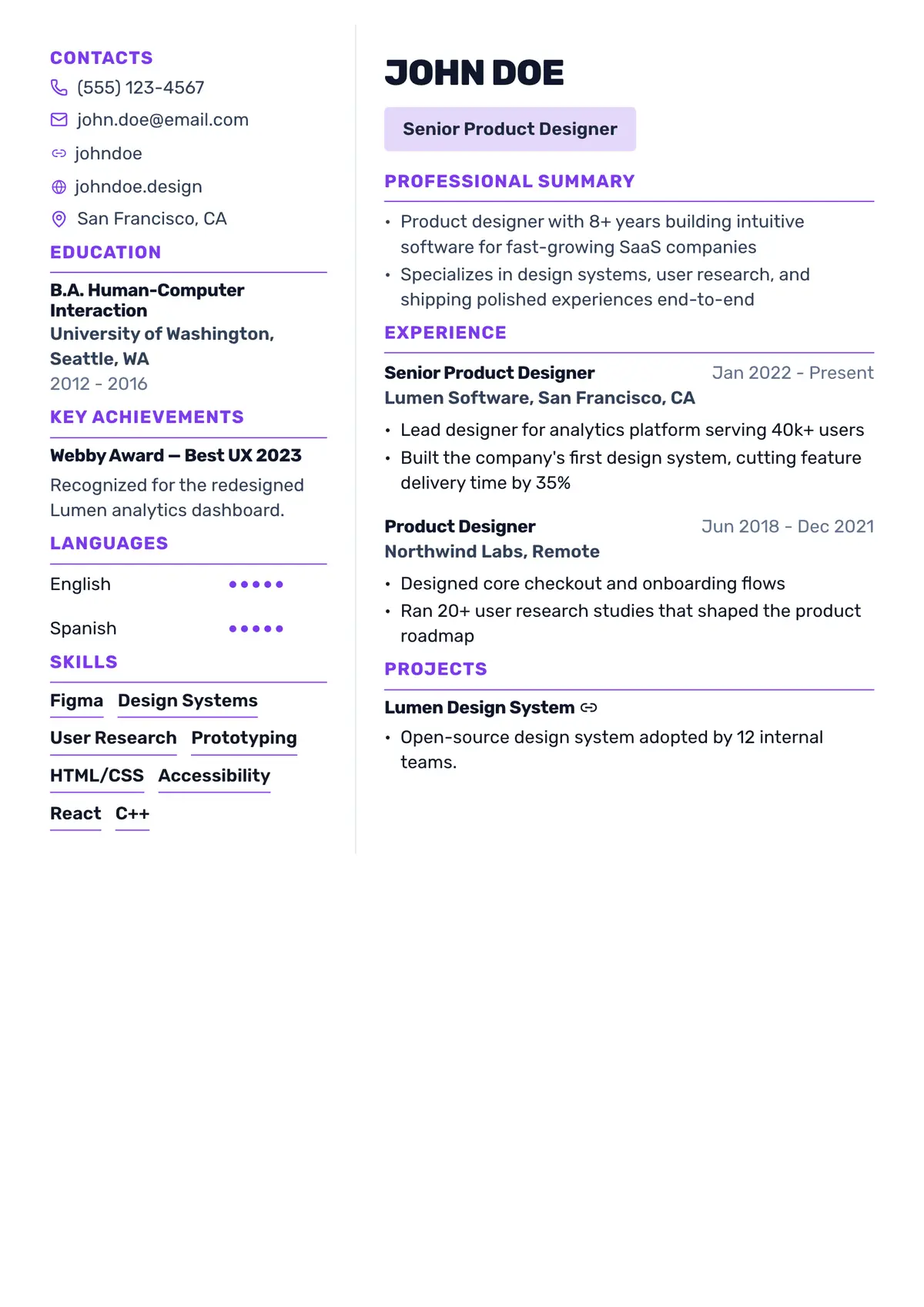
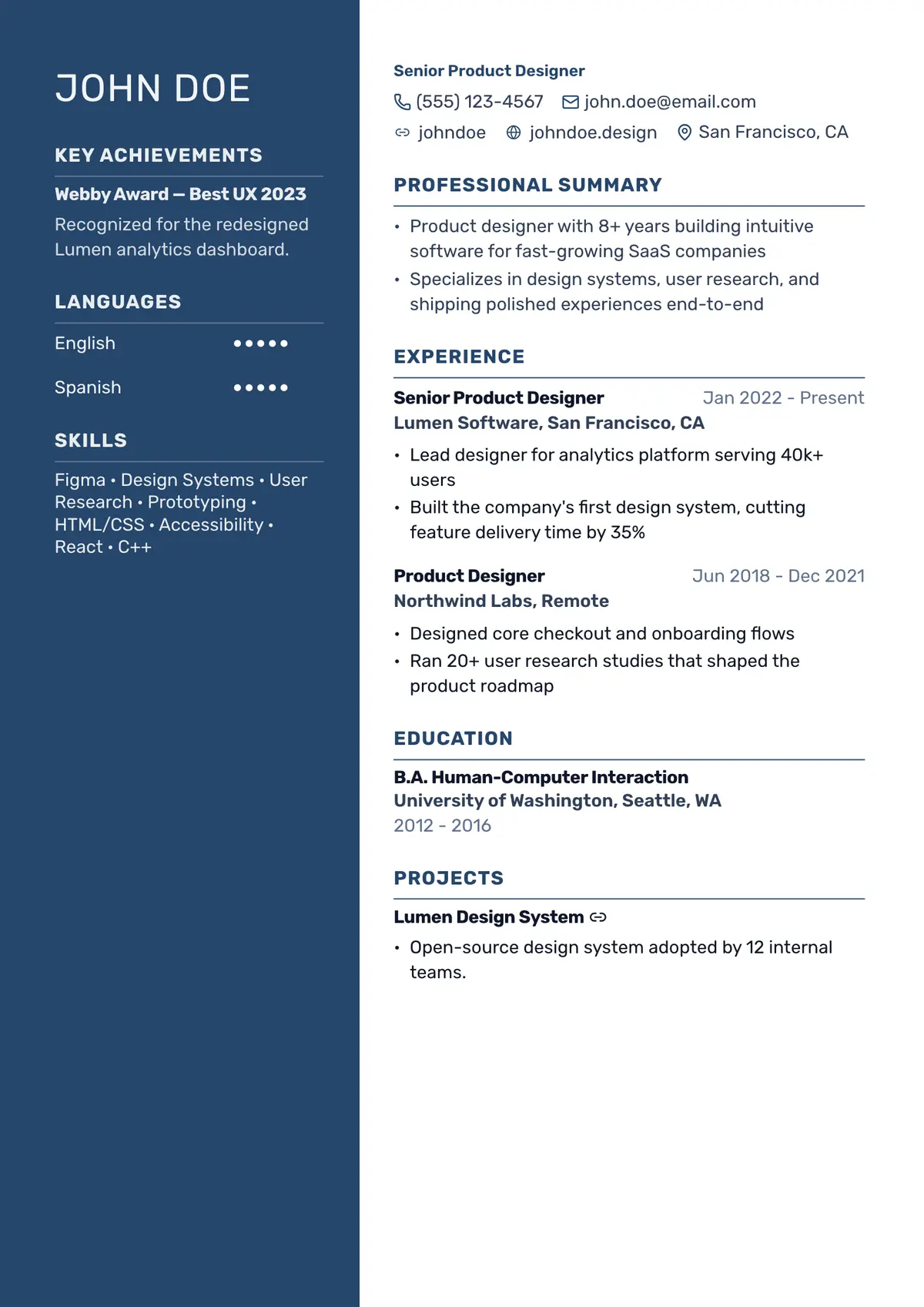
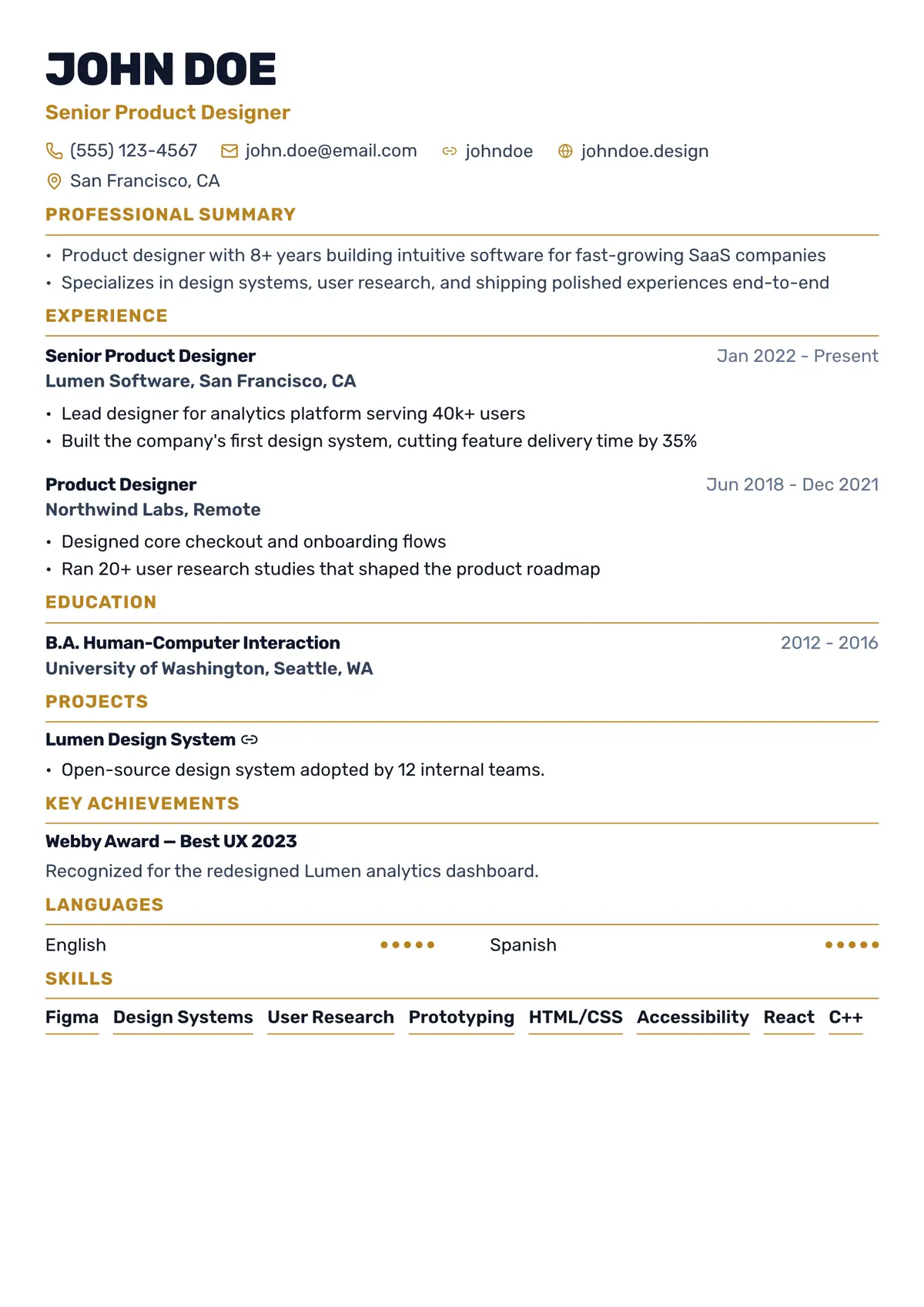
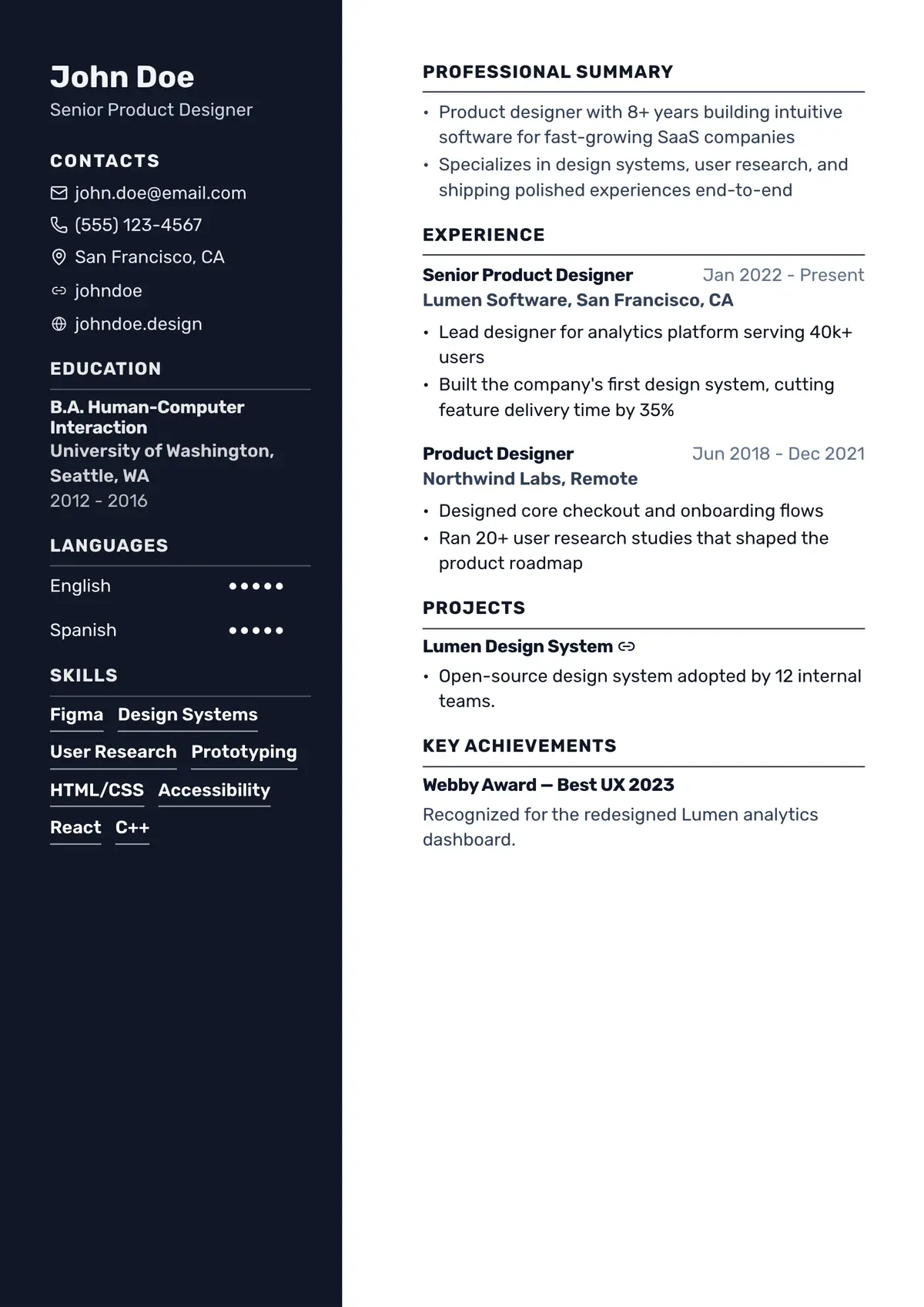
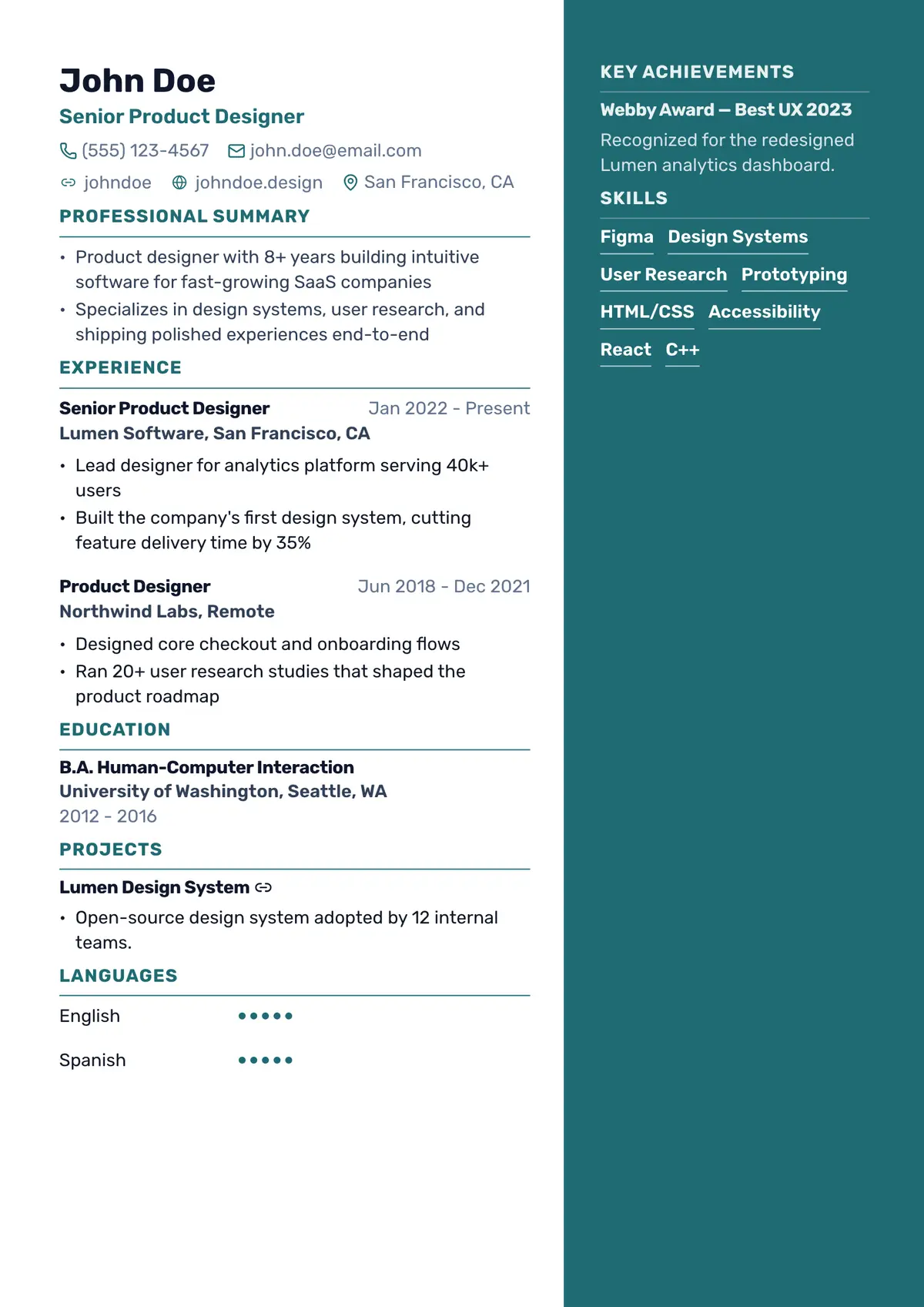
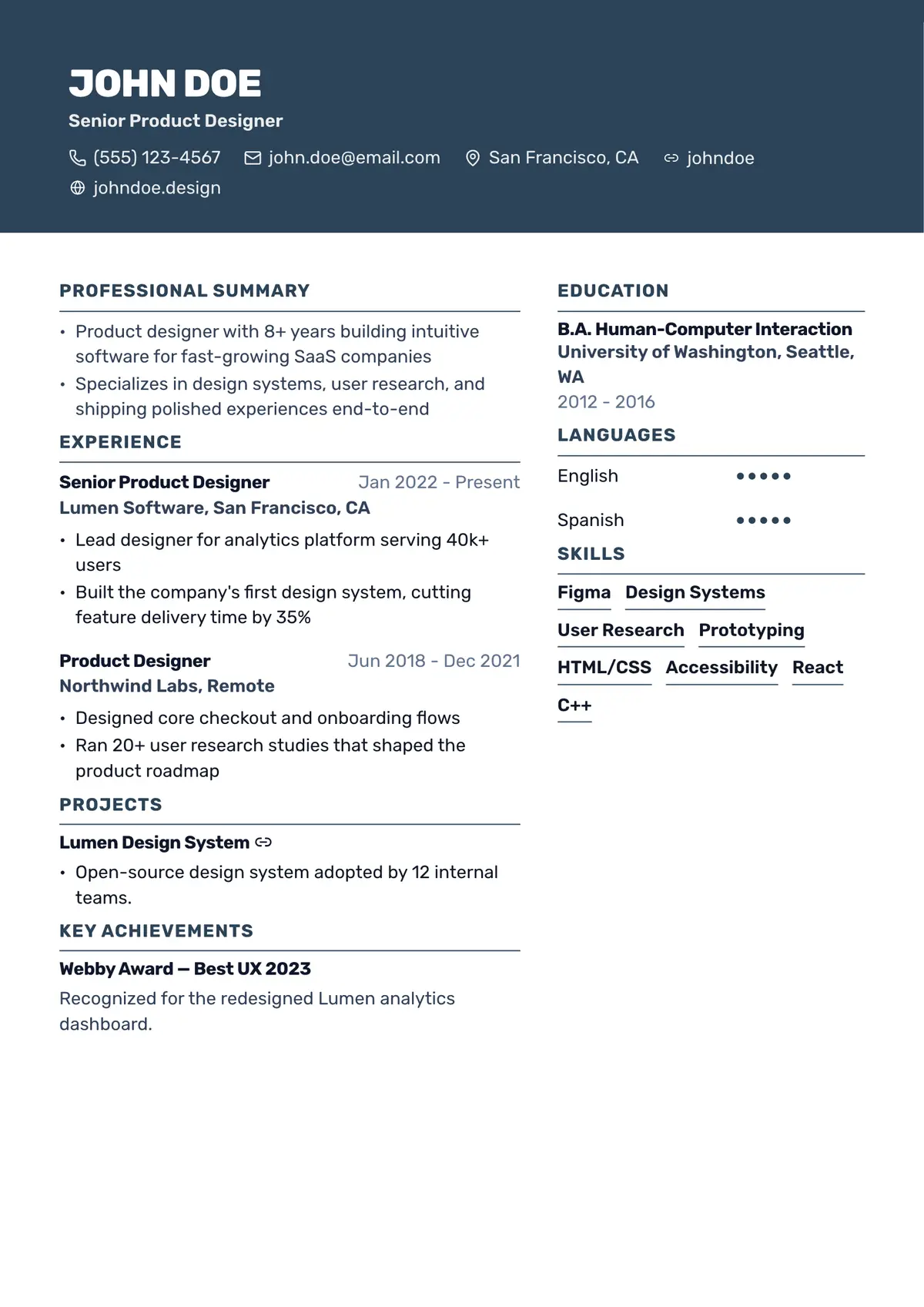
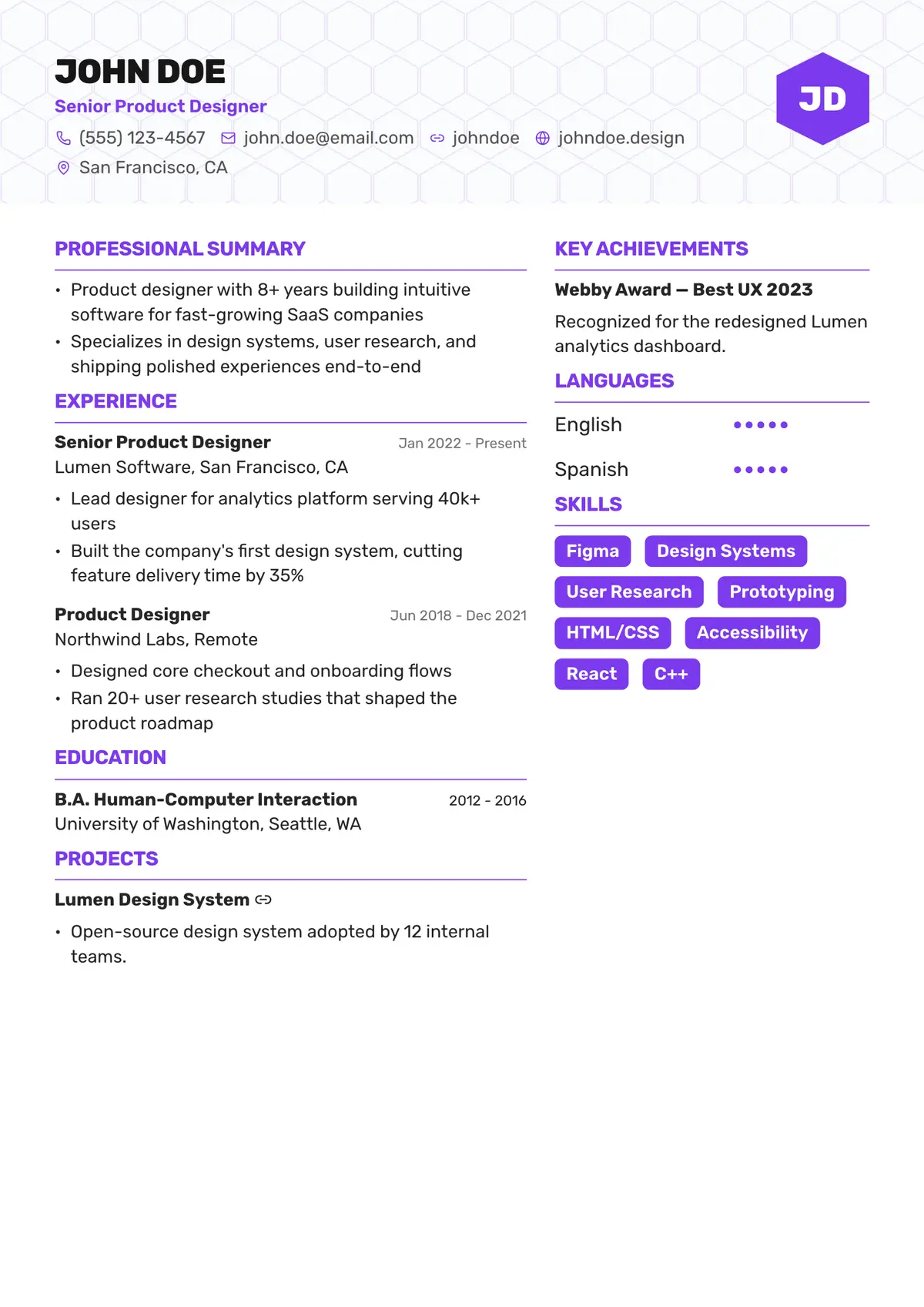
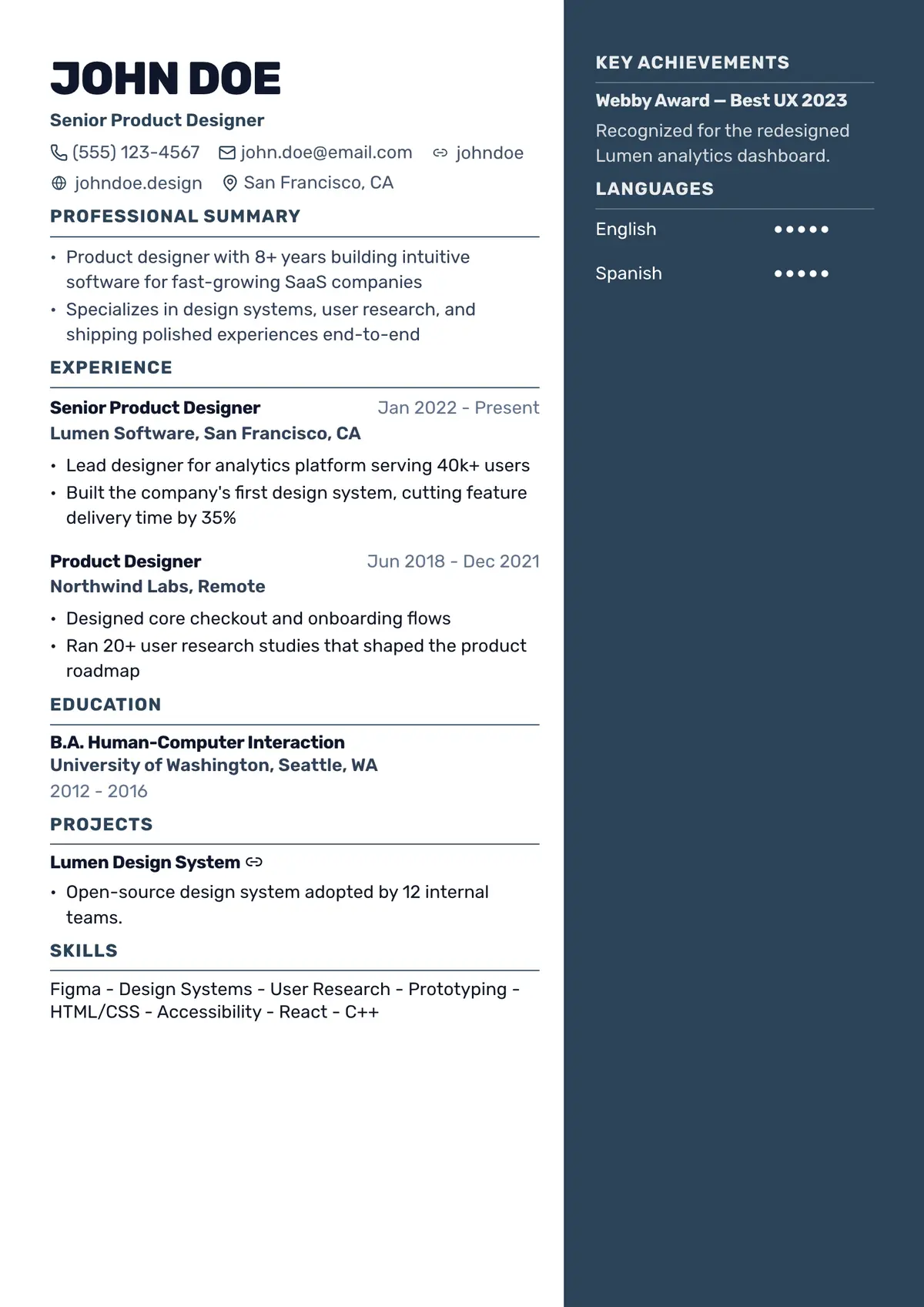
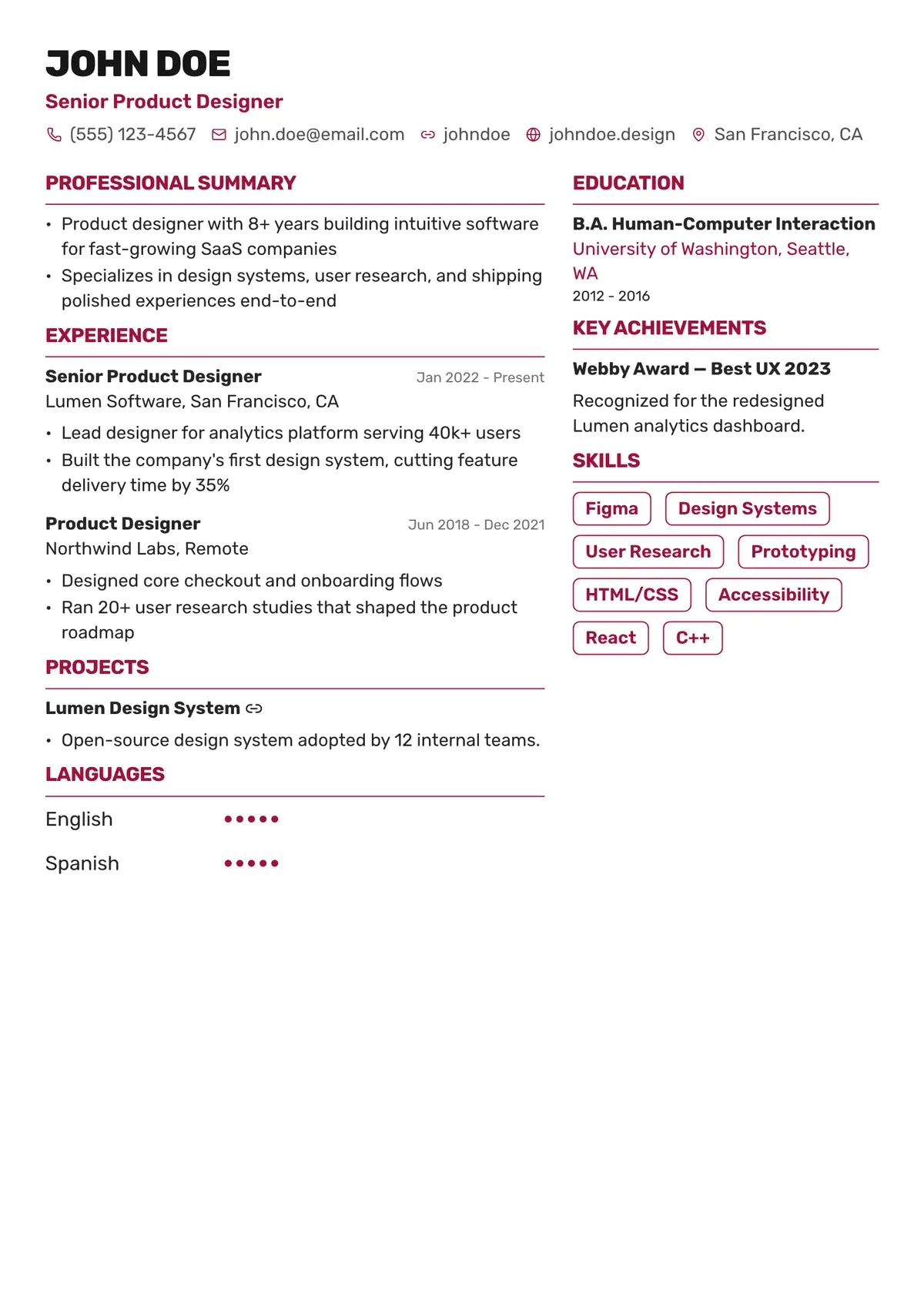
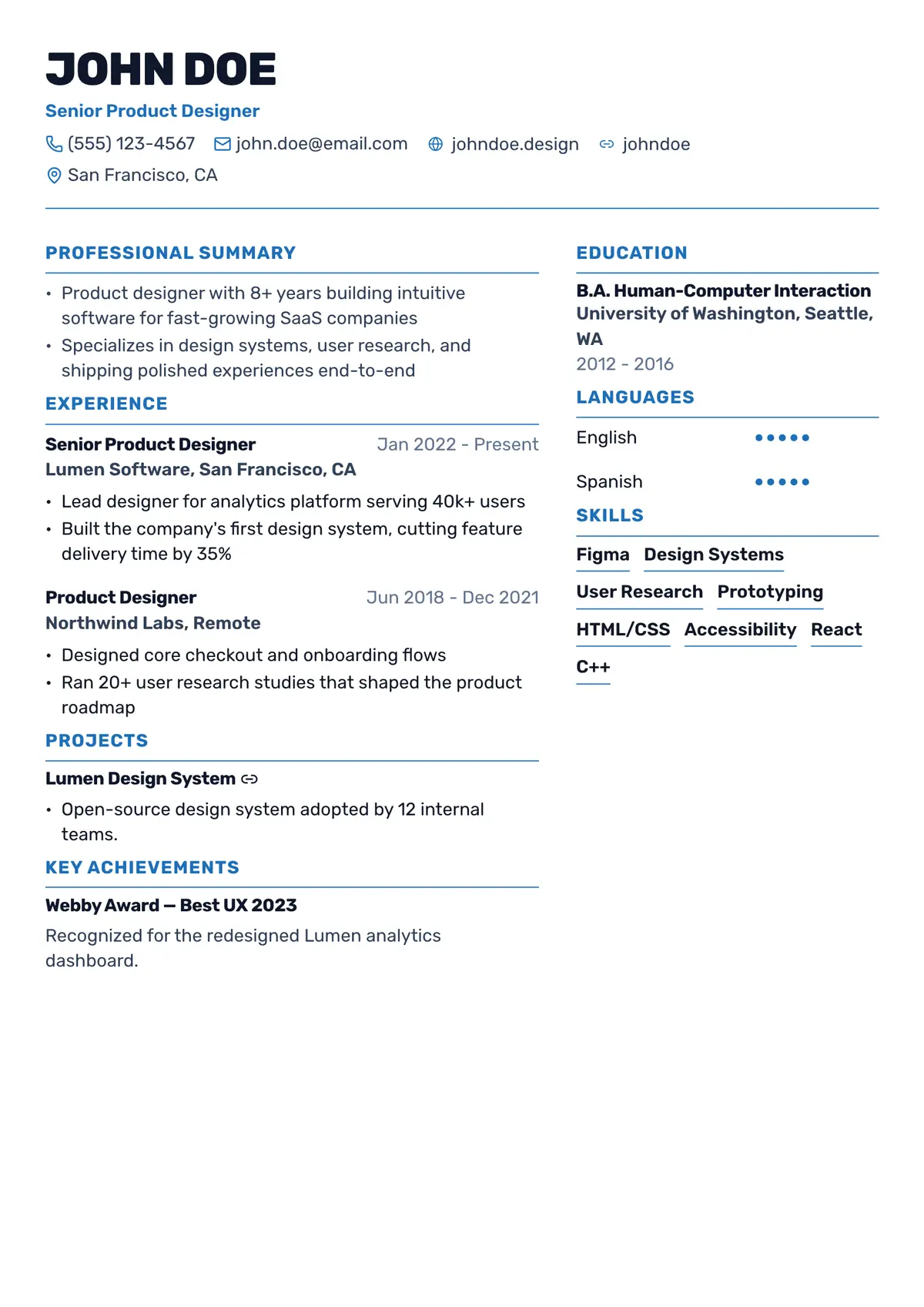
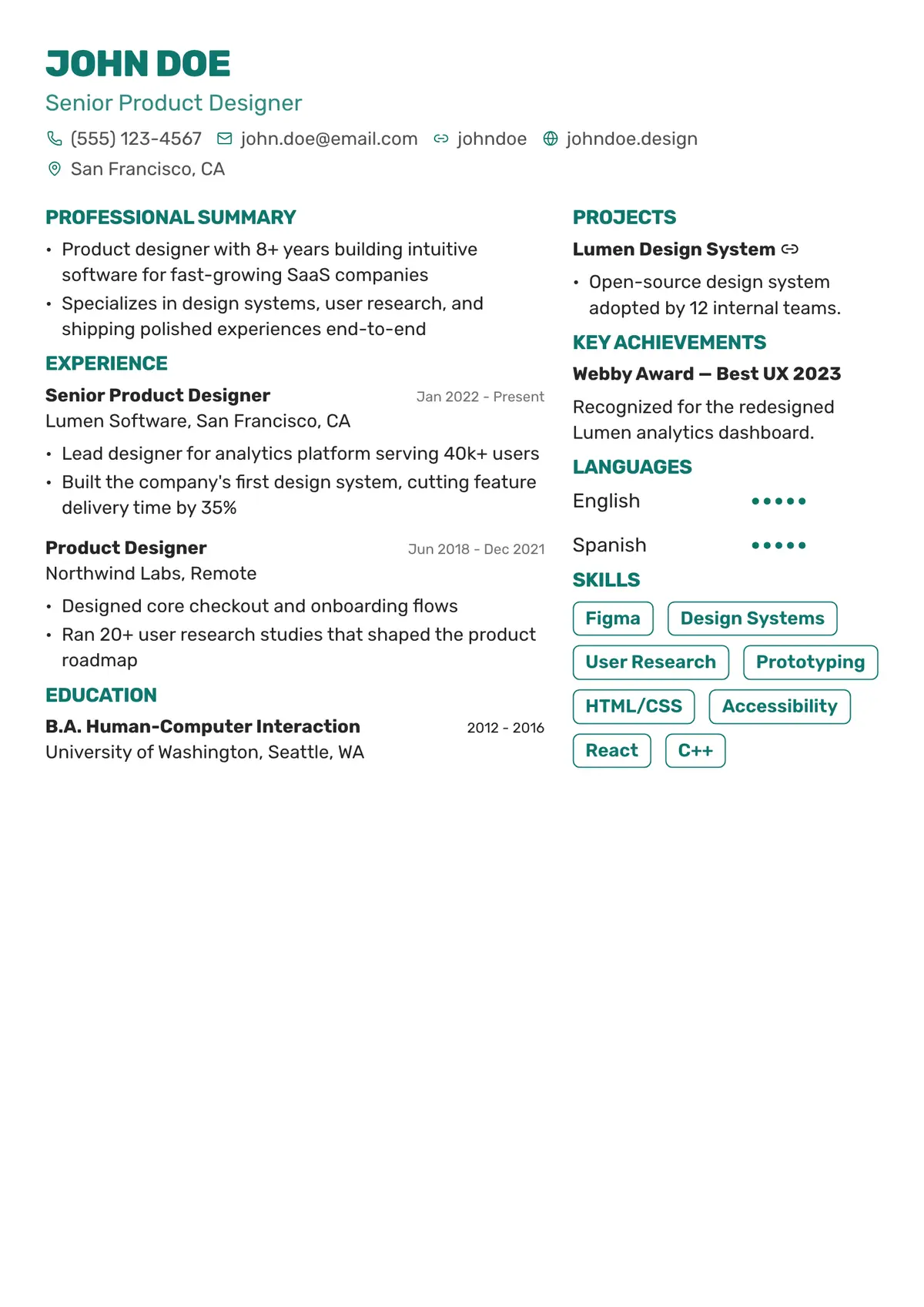
42 ATS-Friendly Resume Templates
Pick a design to open it in the builder with your selection already applied. You can change it at any time without losing a word.
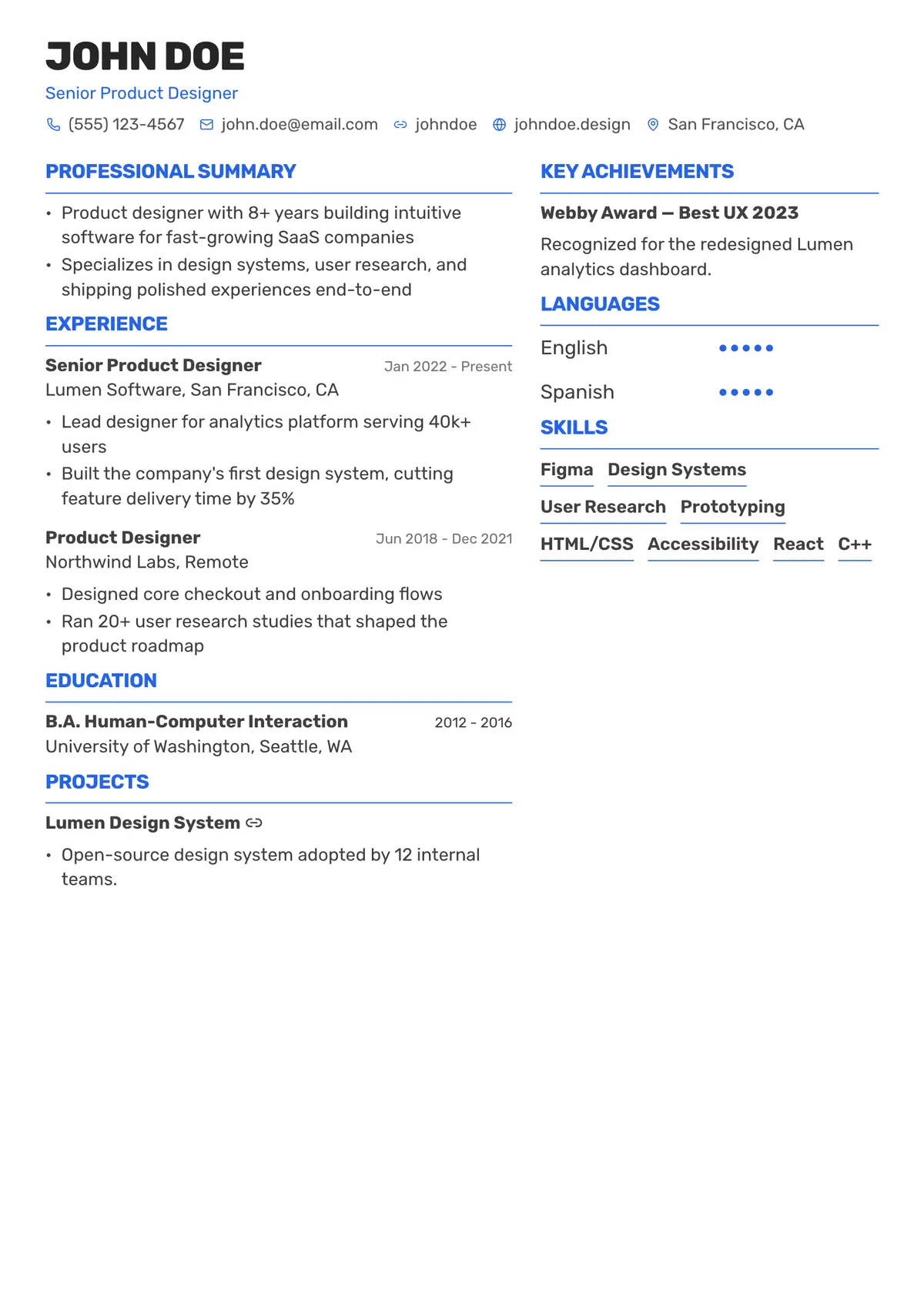
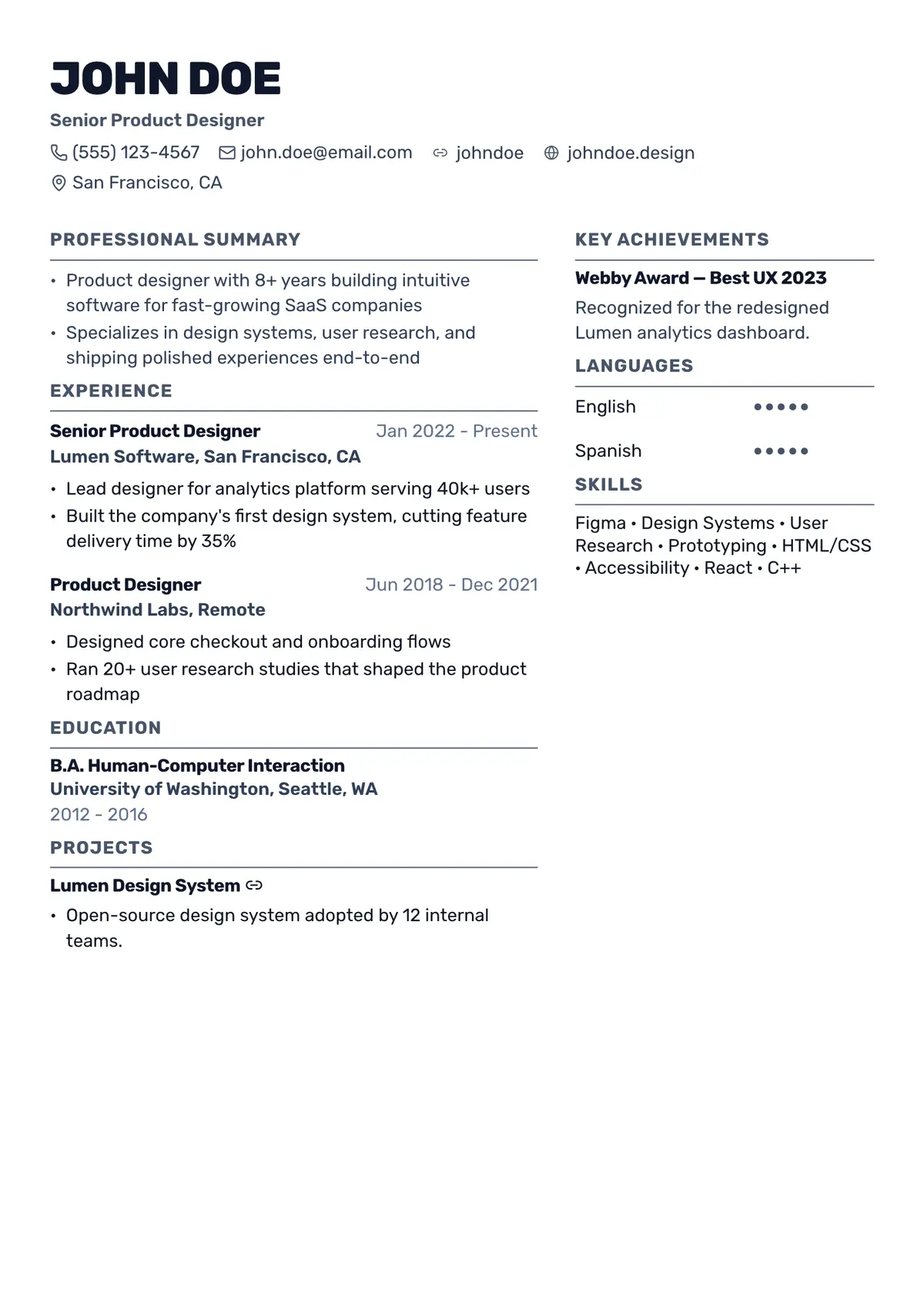
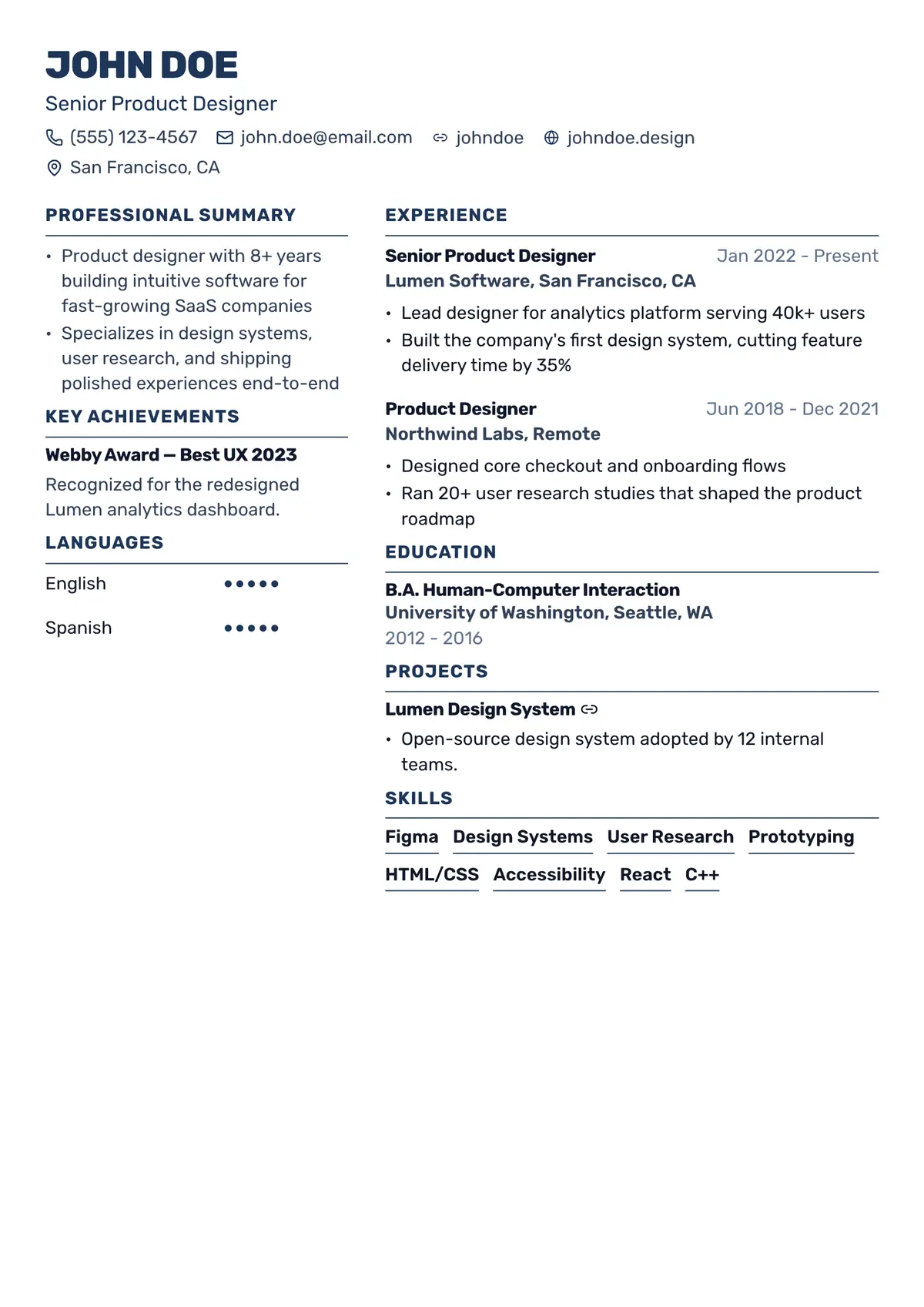
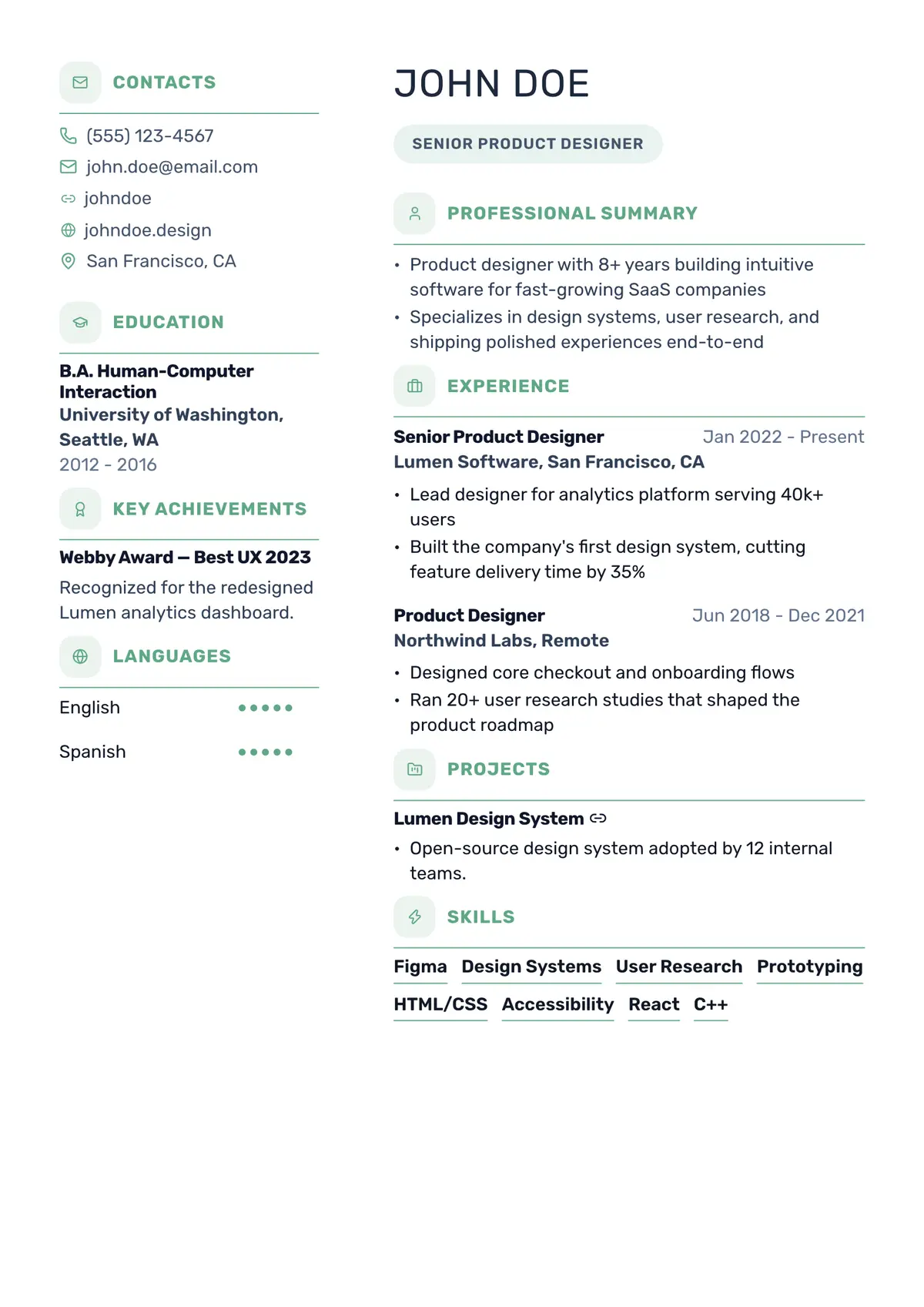
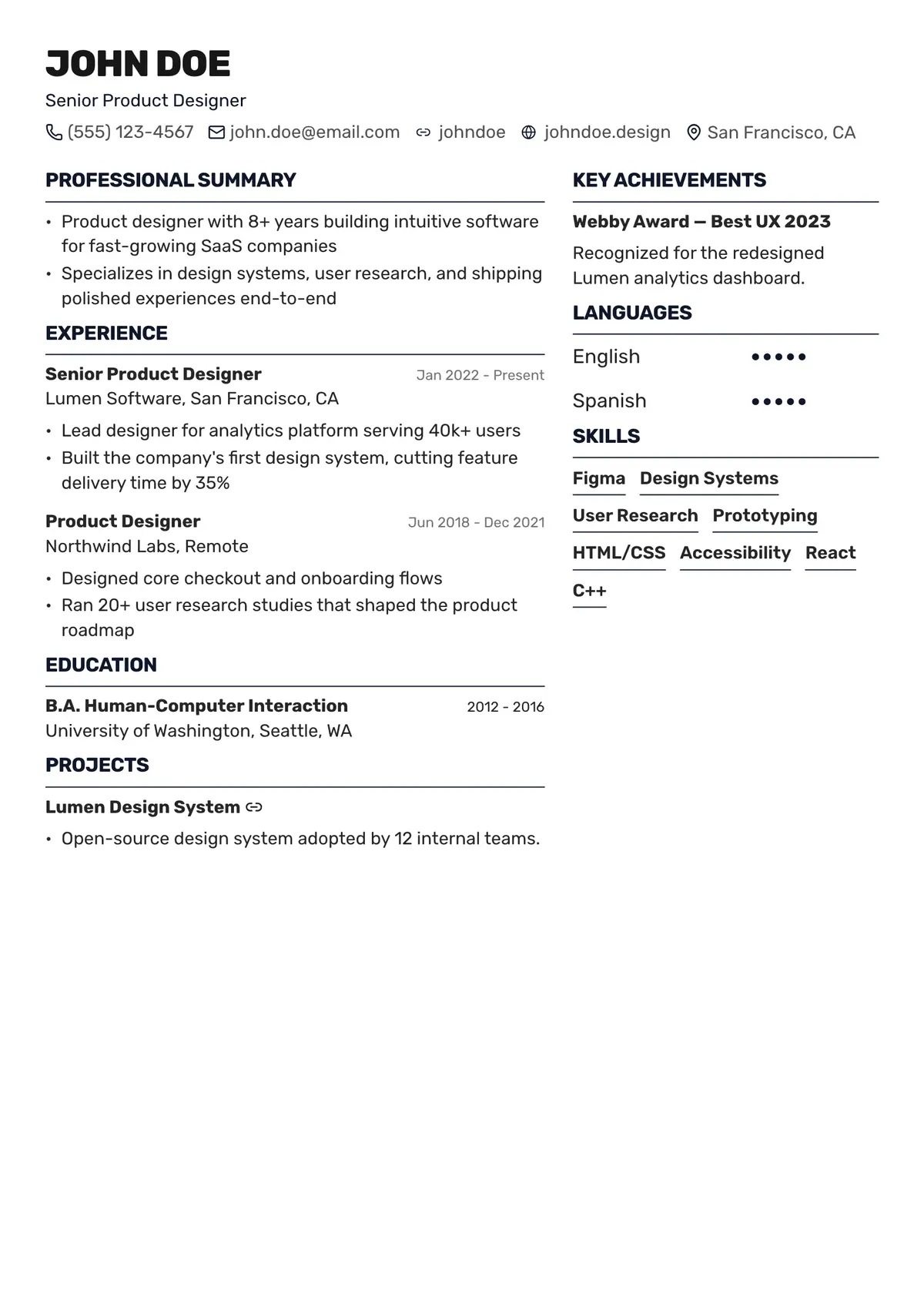
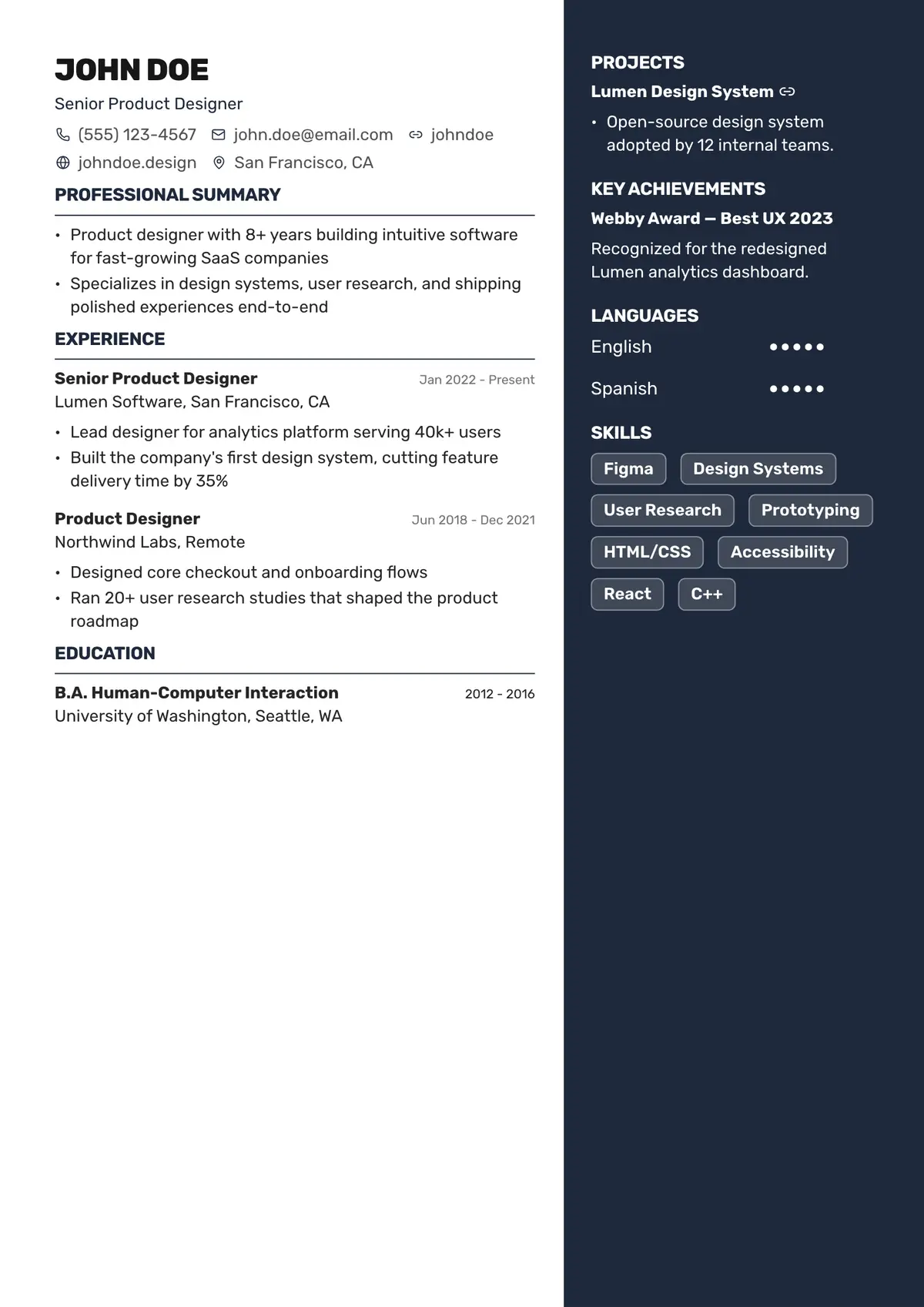
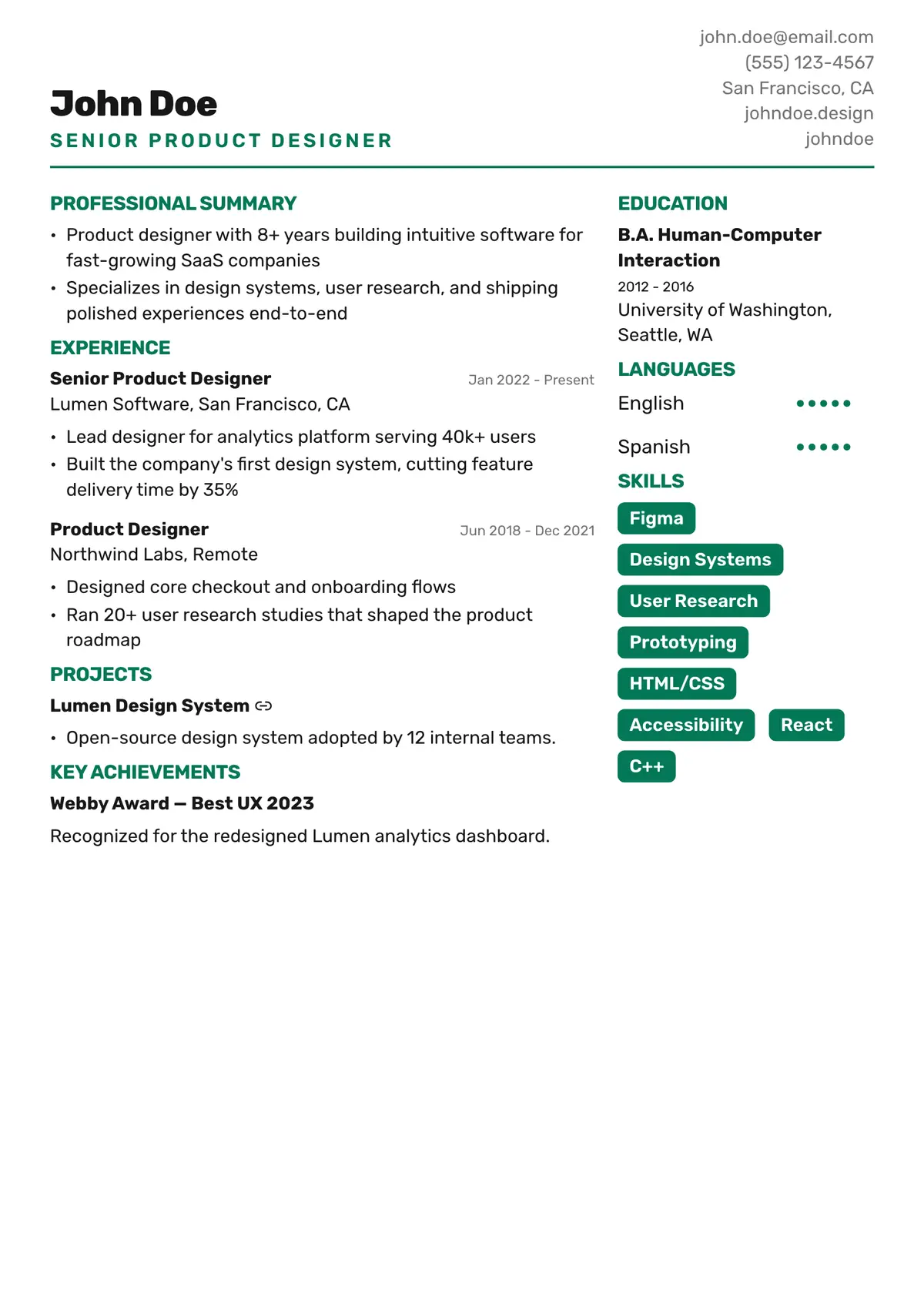
Resume Template Styles
Which Resume Template Is Right for You?
Start with the style that suits your field and experience, then make it yours.
Simple and ATS-First
Single-column layouts with standard headings and plenty of white space. The safest choice when you know an ATS will screen your resume.
Best for: Banking, government, healthcare, law and large employers.
Modern and Sidebar
A clean sidebar for contact details and skills, so your experience gets the space it deserves. Polished without being loud.
Best for: Tech, startups, operations, sales and product roles.
Creative and Visual
Bolder color, icons and distinctive layouts that show personality while keeping every section readable.
Best for: Design, marketing, media, hospitality and content roles.
Executive and Corporate
Strong headers and structured sections that put scope, leadership and results up front.
Best for: Managers, directors, consultants and finance professionals.
Academic and Research
Room for publications, research, certifications and education, laid out in a calm, editorial style.
Best for: Academia, science, research, medicine and teaching.
Timeline and Chronological
A visual timeline that makes your career progression easy to follow at a glance.
Best for: Steady career growth, promotions and long tenures.
Make It Yours
Customize Any Template Without Starting Over
Every template is a starting point. Change the look in seconds and your content stays exactly where it is.
- Switch anytime: Change templates in one click and all your content moves with you. Nothing to retype.
- Your colors: Pick an accent color from the palette or choose any custom color.
- Fonts and spacing: Adjust the font, text size, line height, section spacing and page margins.
- A4 or US Letter: Choose the page size the country you are applying in expects.
- Optional photo: Add a profile photo on templates that support one, or leave it out.
ATS-Friendly by Design
Templates That Recruiters and the ATS Can Both Read
Many employers screen resumes with an applicant tracking system before a person sees them. Tables, text boxes and images can scramble your content. ResumePly templates avoid those traps.
- Standard section headings: Experience, Education and Skills, named the way applicant tracking systems expect.
- Real, selectable text: Your resume is exported as text, not an image, so every word can be read.
- Clean, consistent layouts: Readable fonts and a clear reading order in both single- and two-column designs.
- Check before you send: Run any resume through the ResumePly ATS Resume Checker for a score and ranked fixes.
Resume Format Tips
Choosing the Right Resume Format, Wherever You Apply
Hiring norms differ by country and industry. Here's how to make the right call for your template.
One Page or Two?
Match length to experience.
Students and early-career candidates usually fit on one page. With 10+ years of relevant experience, two pages is common. Academic CVs can run longer.
Photo or No Photo?
It depends on the country.
Photos are expected in parts of Europe, the Middle East and Asia, but usually left out in the US, UK, Canada and Australia. Every photo field in ResumePly is optional.
Single or Two Columns?
Both can work.
Single-column layouts are the most predictable for an ATS. Two-column layouts fit more on a page. When in doubt, check your resume with the ATS Resume Checker.
A4 or US Letter?
Use the local standard.
US Letter is standard in the US and Canada; A4 is used almost everywhere else. You can switch page size in the builder before you download.
The full toolkit
One Platform for Your Entire Job Search
Build it, tailor it, send it and track it, all without leaving ResumePly.
Build it
AI Resume Builder
Create a professional, ATS-friendly resume in minutes. Start from scratch or upload the one you have.
AI Writer
Let AI write strong bullet points, a targeted summary and the right skills from your real experience.
Resume Improvements
Find weak bullets, gaps and missing details, and fix them in one click.
40+ Resume Templates
Modern, Classic and Bold designs built to look sharp and pass the ATS.
Tailor it
Send it
Need to know
FAQs
What is a resume template?
A resume template is a pre-designed layout that handles fonts, spacing and section order for you, so you only add your own content. With ResumePly, you pick a template, fill in your details or upload an existing resume, and download a polished PDF.
Are ResumePly resume templates free?
Yes. All 42 resume templates are free to use. You can build, tailor and download your resume for free with no credit card required. Paid plans add extra features like cover letters and more AI improvements. See pricing.
Are these resume templates ATS-friendly?
Yes. Every template uses standard section headings, readable fonts and real text rather than images, so applicant tracking systems like Workday, Greenhouse and Lever can parse your resume correctly.
Which resume template is best for ATS?
Simple single-column templates such as Classic, Minimal and Compact are the most predictable for applicant tracking systems. If you prefer a two-column design, run your finished resume through the ResumePly ATS Resume Checker to confirm every section is read.
How many resume templates does ResumePly have?
ResumePly has 42 resume templates, from minimal single-column layouts to sidebar, timeline, creative and executive designs.
Can I switch templates after I start writing?
Yes. Switch templates at any time in the builder and your content carries over automatically. You don't need to re-enter anything.
Can I change the colors and fonts?
Yes. Every template lets you change the accent color, font, text size, line height, section spacing, page margins and page size (A4 or US Letter).
Should I put a photo on my resume?
It depends on where you are applying. Photos are common in parts of Europe, the Middle East and Asia, and usually left out in the US, UK, Canada and Australia. Most ResumePly templates support an optional photo, so you can add or remove it at any time.
Can I use my existing resume with a new template?
Yes. Upload your current resume as a PDF, DOCX, PNG or JPG file and ResumePly turns it into an editable resume you can drop into any template.
Which template should I use if I have no work experience?
Choose a clean one-page layout such as Compact, Classic or Minimal, and lead with education, projects, internships and volunteering. The ResumePly AI writer helps turn those experiences into strong bullet points.
Can I download my resume as a PDF?
Yes. Download a print-ready PDF of any resume you build, in A4 or US Letter size.
Your Next Interview Starts With the Right Template
Pick an ATS-friendly design, add your details or upload your current resume, and download a polished PDF, all for free with ResumePly.